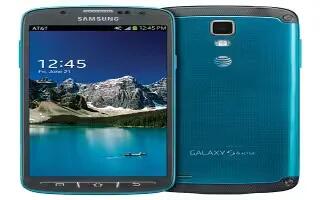
How To Use Google Voice Typing – Samsung Galaxy S4 Active
Learn how to use Google voice typing on Samsung Galaxy S4 Active. You can use your voice to enter text using Google Voice typing feature.
Apple, Gadgets, Android, Microsoft
Learn how to use Google voice typing on Samsung Galaxy S4 Active. You can use your voice to enter text using Google Voice typing feature.

Learn how to use emergency calls on Samsung Galaxy S4 Active.If you do not have a SIM Card installed the first time you turn on the phone.
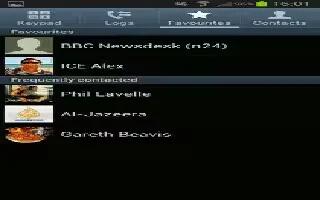
Learn how to use editing an existing contact on Samsung Galaxy S4 Active. When editing an existing contact, you can tap a field and change.
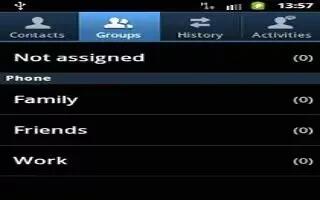
Learn how to use contacts group on your Samsung Galaxy S4 Active.To edit a Group entry, there must at least one member as part.
Learn how to use contacts on Samsung Galaxy S4 Active. Learn how to Use the following procedure to add a new contact to your Address Book.
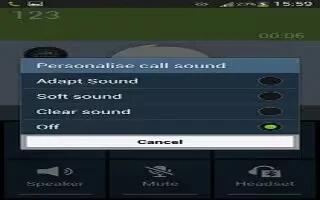
Learn how to use call options on Samsung Galaxy S4 Active. Your phone provides a number of control function that you can use during a call.
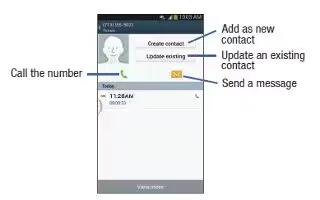
Learn how to use on call options on Samsung Galaxy S4 Active. The phone stores the number of calls youve dialed, received, or missed in Call log.

Learn how to use call duration on your Samsung Galaxy S4 Active. Dialed calls: shows the total length of time for all calls made.
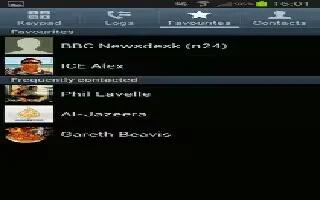
Learn how to use address book options on your Samsung Galaxy S4 Active. You can access Address Book options while at the main Address Book page.

Learn how to use 3 way calling on Samsung Galaxy S4 Active. The 3-Way or Multi-Party feature allows to answer a series of incoming calls.
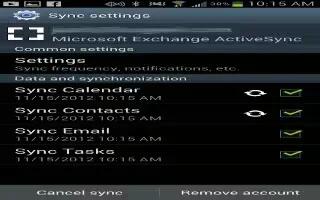
Learn how to sync on your Samsung Galaxy S4 Active. From the Accounts menu you want applications to synchronize, send, and receive data.

Learn how to switch between calls on Samsung Galaxy S4 Active. When you have an active call and a call on hold, you switch between calls.
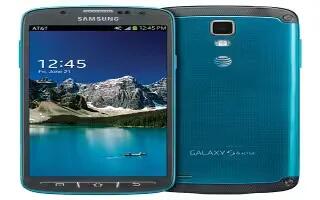
Learn how to join contacts on your Samsung Galaxy S4 Active. Many people now maintain multiple email accounts, social networking logins.
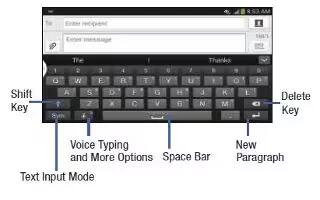
Learn how to enter text using swype on your Samsung Galaxy S4 Active. Swype is a text input method that allows you to enter a word.
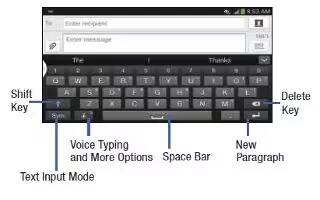
Learn how to enter text on Samsung Galaxy S4 Active. This section describes how to select desired text input method when enter characters.

Learn how to answer calls on your Samsung Galaxy S4 Active. When a call is received the phone rings and displays the callers phone number.
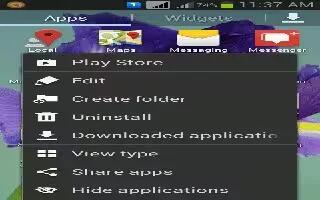
Learn how to create folders on your Samsung Galaxy S4 Active. You can create application folders to hold similar applications if you wish.
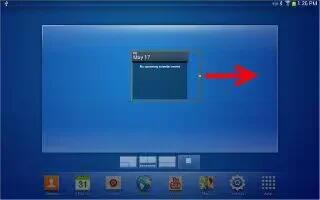
Learn how to use widgets on your Samsung Galaxy S4 Active. Widgets are self-contained applications that reside in either your Widgets.







