How To Use Nearby Devices – Samsung Galaxy S5
Learn how to use nearby devices on your Samsung Galaxy S5. This option allows you to share your media files with nearby devices using DLNA.
Apple, Gadgets, Android, Microsoft
Learn how to use nearby devices on your Samsung Galaxy S5. This option allows you to share your media files with nearby devices using DLNA.
Learn how to use NFC on your Samsung Galaxy S5. NFC allows data exchange when you touch your device with another compatible device.
Learn how to use VPN Settings on your Samsung Galaxy S5. The VPN settings menu allows you to set up and manage Virtual Private Networks (VPNs).
Learn how to use Mobile networks on your Samsung Galaxy S5. Before you use applications such as Google Maps and find your location or search for places.
Learn how to use Location settings on your Samsung Galaxy S5. The Location settings allow you to set up how the phone will determine your location.
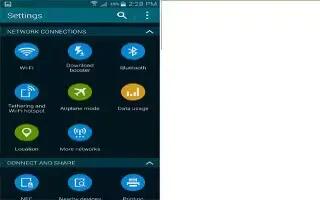
Learn how to use Data Usage on your Samsung Galaxy S5. From this screen you can view your Mobile data usage and turn your Mobile data capability On or Off.
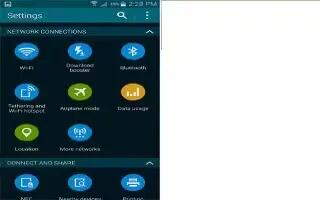
Learn how to use Airplane Mode on your Samsung Galaxy S5. Flight mode allows you to use many of your phones features, such as Camera, Games, and more.
Learn how to use Advanced WiFi Settings on your Samsung Galaxy S5. The advanced Wi-Fi settings allow you to set up and manage wireless access points.
Learn how to use WiFi Settings on your Samsung Galaxy S5. This section describes the Wi-Fi settings.
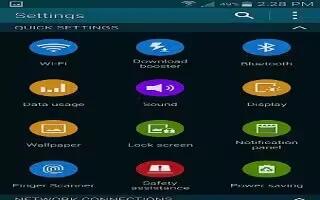
Learn how to use Quick Settings on your Samsung Galaxy S5. Quick settings are all of the settings that you most frequently use.
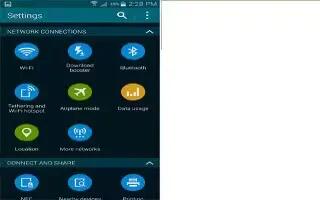
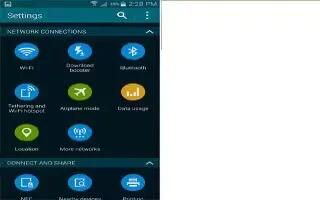
Learn how to Access Settings on your Samsung Galaxy S5. This section explains the settings used for customizing your device.