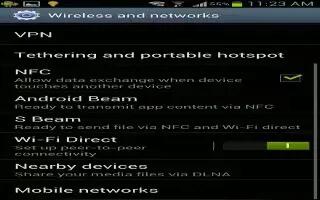
How To Use WiFi Direct On Samsung Galaxy S3
Learn how to use WiFi direct on Samsung Galaxy S3. You can use Wi-Fi Direct feature on Samsung Galaxy S3 to connect two devices through Wi-Fi.
Apple, Gadgets, Android, Microsoft
Learn how to use WiFi direct on Samsung Galaxy S3. You can use Wi-Fi Direct feature on Samsung Galaxy S3 to connect two devices through Wi-Fi.
Learn how to use Wi-Fi on Samsung Galaxy S3. You can use your Samsung Galaxy S3s wireless networking capabilities to activate and connect.
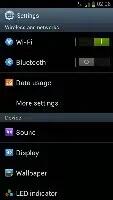
Learn how to customize Wi-Fi setting on Samsung Galaxy S3. You can customize the WiFi settings on Samsung galaxy S3, follow the simple steps below.
Learn how to connect Samsung Galaxy S3 as a camera device. You can connect your device to a computer as a camera and access files in your device.
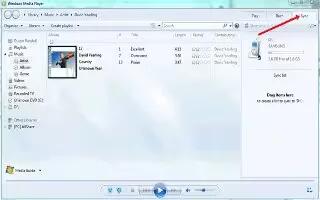
Learn how to connect Samsung Galaxy S3 with Windows Media player. You can connect your device to a computer with a USB cable.
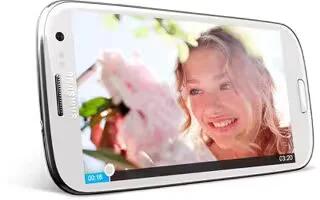
Learn how to upload videos on you tube from Samsung Galaxy S3. You can view and upload videos through YouTube video sharing service.

Learn how to use play store on Samsung Galaxy S3. Your devices functionality can be extended by installing additional applications.
Learn how to make local search on Samsung Galaxy S3. You can do local search on your Samsung Galaxy S3. Learn to search for business and attractions.
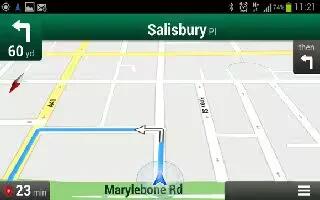
Learn how to use Navigation on Samsung Galaxys3. You can use Navigation on Samsung Galaxy S3. Learn to get spoken directions to your destination.
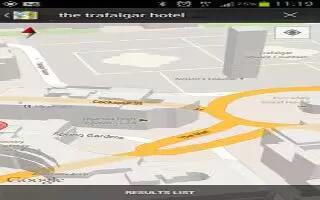
Learn how to use maps on Samsung Galaxy S3. You can use Google Maps on your Samsung Galaxy S3, it is a mapping service to find your locations.
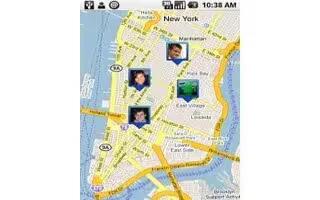
Learn how to use latitude on Samsung Galaxy S3. You can share your locations with your friends and view their locations with Google Latitude location.
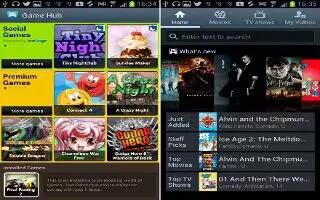
Learn how to use game hub on Samsung Galaxy S3. You can use Game Hub to access games on Samsung Galaxy S3. Follow the simple steps below.
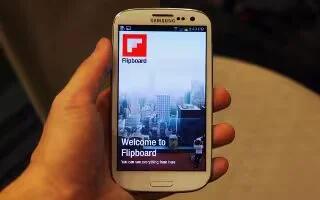
Learn how to use Fiipboard on Samsung Galaxy S3. You can use Flipboard on Samsung Galaxy S3 for your personalized news magazine.
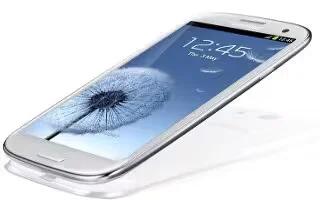
Learn how to import or expert contacts on Samsung Galaxy S3. You can import or export files (in vcf format) to or from your devices USB storage.
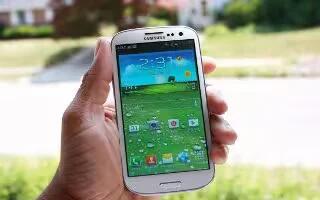
Learn how to customize your Samsung Galaxy S3. You can get more from your device by changing settings to match your preferences.
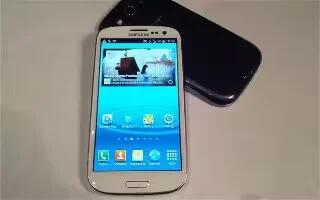
Learn how to launch multiple application in Samsung Galaxy S3. Your device allows you to multitask by running multiple applications at the same time.
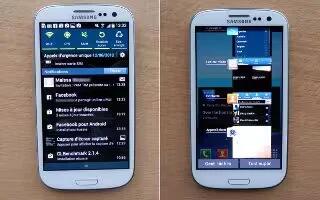
Learn how to access applications on Samsung Galaxy S3. You can launch applications and take full advantage of features on your device.
Learn how to lock or unlock the touch screen and the keys in samsung galaxy S3. When not in use the device for a specified period, device turns off







