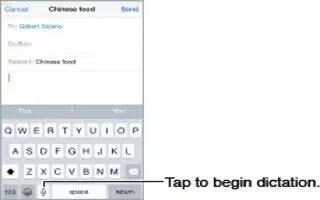
How To Dictate On iPhone 6 Plus
Learn how to dictate on your iphone 6 Plus. On iPhone 4s or later, you can dictate instead of typing. Make sure Siri is turned on Settings > General > Siri
Apple, Gadgets, Android, Microsoft
Learn how to dictate on your iphone 6 Plus. On iPhone 4s or later, you can dictate instead of typing. Make sure Siri is turned on Settings > General > Siri
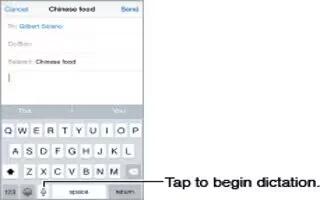
Learn how to dictate on your iphone 6. On iPhone 4s or later, you can dictate instead of typing. Make sure Siri is turned on Settings > General > Siri

Learn how to Connect Apple wireless keyboard on your iPhone 6 Plus. You can use an Apple Wireless Keyboard (available separately) to enter text on iPhone.

Learn how to edit text on your iPhone 6 Plus. Touch and hold the text to show the magnifying glass, then drag to position the insertion point.
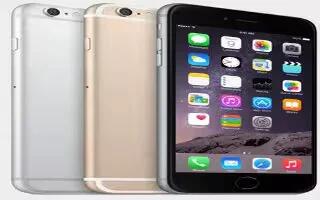
Learn how to use continuity on your iPhone 6 Plus. Continuity features connect iPhone with your iPad, iPod touch, and Mac so they can work together as one.
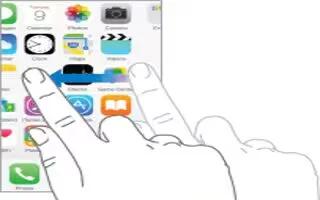
Learn how to use apps on iPhone 6 Plus. All the apps that come with iPhone as well as the apps you download from the App Store are on the Home screen.
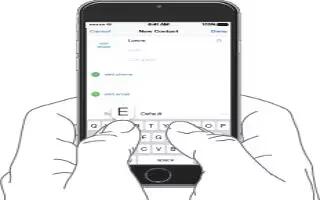
Learn how to enter text on iPhone 6 Plus. Tap a text field to see the onscreen keyboard, then tap letters to type. If you touch the wrong key, you can slide
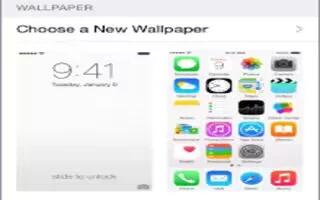
Learn how to Change wallpaper on your iPhone 6 Plus. Wallpaper settings let you set an image or photo as wallpaper for the Lock screen or Home screen
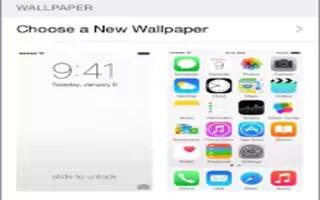
Learn how to Change wallpaper on your iPhone 6. Wallpaper settings let you set an image or photo as wallpaper for the Lock screen or Home screen
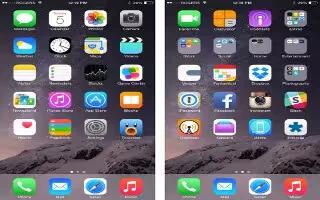
Learn how to customize your iPhone 6 Plus. Touch and hold any app on the Home screen until it jiggles, then drag apps around.
Learn how to set date and time on your iPhone 6 Plus. The date and time are usually set for you based on your locationtake a look at the Lock screen
Learn how to sync with iTunes on your iPhone 6 Plus. Syncing with iTunes copies information from your computer to iPhone and vice versa. You can sync by connect
Learn how to manage content on your iPhone 6 Plus.You can transfer information and files between your iOS devices and computers, using iCloud or iTunes.
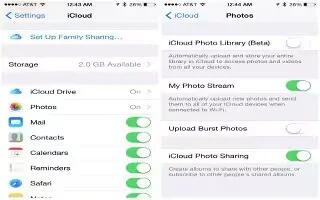
Learn how to use iCloud on your iPhone 6 Plus. iCloud offers free mail, contacts, calendar, and other features that you can set up simply by signing
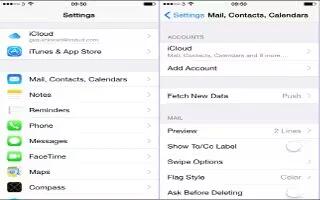
Learn how to setup mail, contacts and calendar on your iPhone 6 Plus. iPhone works with Microsoft Exchange, and many of the most popular Internet-based mail
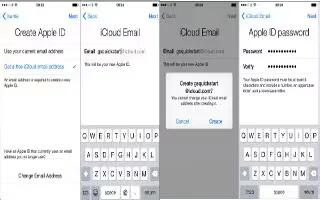
Learn how to create Apple ID on your iPhone 6 Plus. Your Apple ID is the account you use for just about everything you do with Apple, including storing content
Learn how to connect internet on iPhone 6 Plus. iPhone connects to the Internet whenever necessary, using a Wi-Fi connection (if available) or your carriers
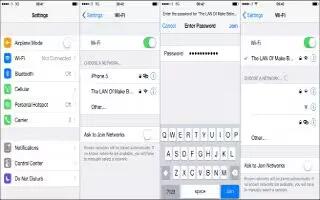
Learn how to connect to WiFi on your iPhone 6 Plus. If WiFi icon appears at the top of the screen, youre connected to a Wi-Fi network.







