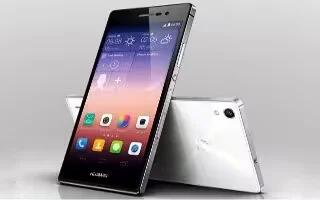
How To Change Wallpapers – Huawei Ascend P7
Learn how to change wallpapers on your Huawei Ascend P7. On the home screen, touch and hold a blank area to display the Set Home Screen dialog box.
Apple, Gadgets, Android, Microsoft
Learn how to change wallpapers on your Huawei Ascend P7. On the home screen, touch and hold a blank area to display the Set Home Screen dialog box.
Learn how to customize home screen on your Huawei Ascend P7. On the home screen, touch and hold a blank area to display the Set Home Screen dialog box.
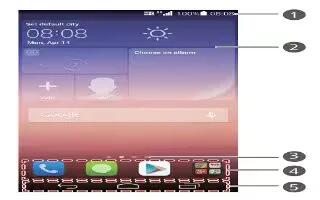
Learn how to use home screen on your Huawei Ascend P7. Your home screens are where you’ll find all of your favorite widgets and applications.

Learn how to change wallpapers on your Gionee Elife S5.5. You can change the Wallpaper of your home screens.
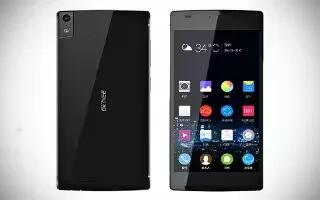
Learn how to create pages on your Gionee Elife S5.5. You can add a new page to your application menu by following these steps.
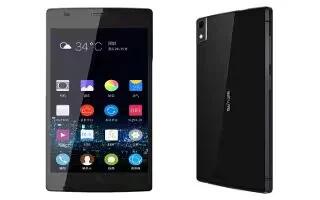
Learn how to create folders on your Gionee Elife S5.5. You can create application folders to hold similar applications if you wish.

Learn how to change wallpapers on your Gionee Elife E7 Mini. You can change the Wallpaper of your home screens.
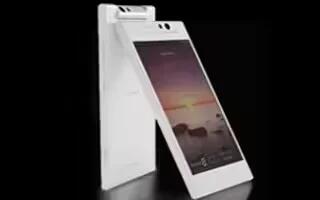
Learn how to create pages on your Gionee Elife E7 Mini. You can add a new page to your application menu by following these steps.
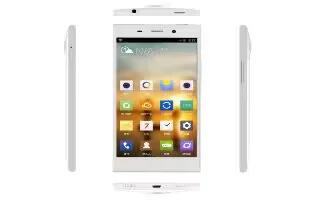
Learn how to create folders on your Gionee Elife E7 Mini. You can create application folders to hold similar applications if you wish.

Learn how to change wallpapers on your Gionee Elife E7. You can change the Wallpaper (background) of your home screens.
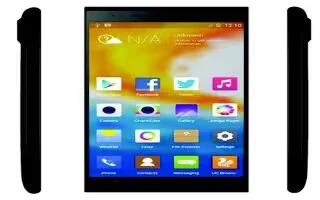
Learn how to create pages on your Gionee Elife E7. You can add a new page to your application menu by following these steps.
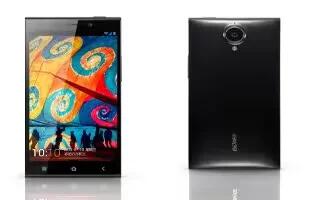
Learn how to create folders on your Gionee Elife E7. You can create application folders to hold similar applications if you wish.
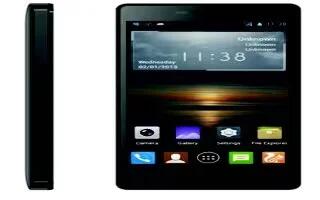
Learn how to change wallpapers on your Gionee M2. You can change the Wallpaper (background) of your home screens.
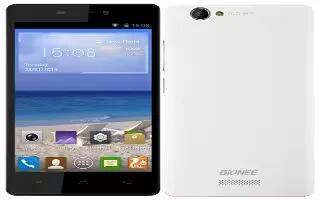
Learn how to create pages on your Gionee M2. You can add a new page to your application menu by following these steps.
Learn how to create folders on your Gionee M2. You can create application folders to hold similar applications if you wish.
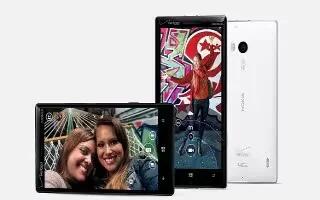
Learn how to use touch screen on your Nokia Lumia Icon. Explore your phone with a tap, swipe, or drag.
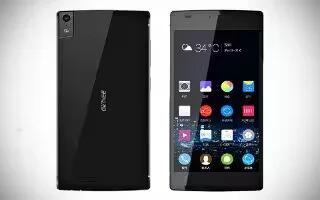
Learn how to customize home screen on your Gionee Elife S5.5. You can add, move and delete item to the home screen.
Learn how to use home screen on your Gionee Elife S5.5.The main home screen is the starting point for many applications and functions, and it allows you to add items.







