
How To Change Wallpapers – Samsung Galaxy Note 3
Learn how to change wallpapers on your Samsung Galaxy Note 3. You can change the Wallpaper (background) of your home screens.
Apple, Gadgets, Android, Microsoft
Learn how to change wallpapers on your Samsung Galaxy Note 3. You can change the Wallpaper (background) of your home screens.
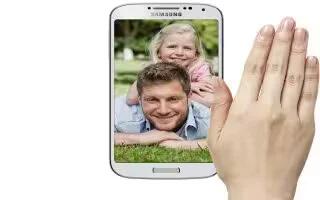
Learn how to use gestures on your Samsung Galaxy Note 3. By activating the various gesture features within the Motion Settings menu.
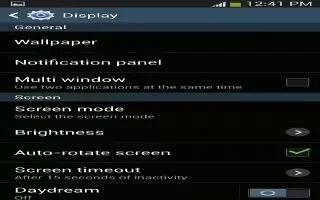
Learn how to customize wallpaper settings on your Samsung Galaxy Tab 3. You can choose a picture to display on the Home Screen, Lock screen.
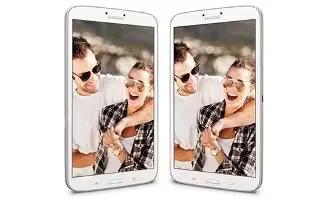
Learn how to set picture as Home screen on your Samsung Galaxy Tab 3. You can use the photos you take as a contacts photo or as wallpaper for the Home or Lock screen
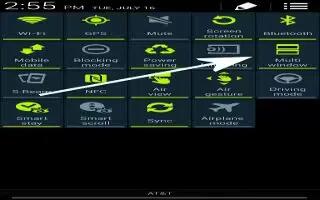
Learn how to use Multi Window on your Samsung Galaxy Tab 3.
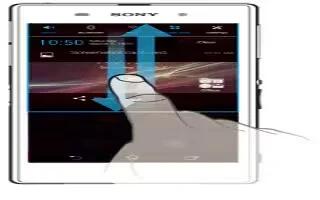
Learn how to use notification panel on your Sony Xperia Z Ultra. You can drag down the status bar to open the Notification panel.
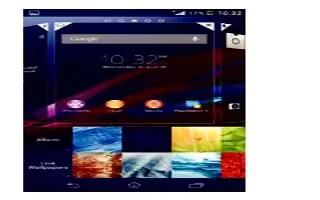
Learn how to use Wallpapers on your Sony Xperia Z Ultra. Adapt Home screen own style using wallpapers. Change the wallpaper on lock screen.
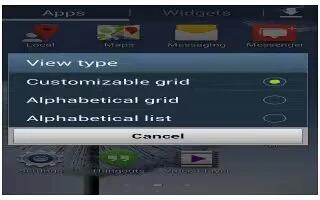
Learn how to use App Screen on your Samsung Galaxy Tab 3. The Apps screen displays all applications installed on your wireless device.
Learn how to use themes on Sony Xperia Z Ultra. Adapt the Home screen own style using different themes. Change the wallpaper on lock screen.

Learn how to use Wallpapers on your Samsung Galaxy Tab 3. You can choose a picture to display on the Home Screen, Lock screen.
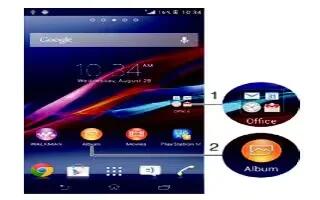
Learn how to create folders on your Sony Xperia Z Ultra. Use folders to manage your applications and keep your Home screen tidy.
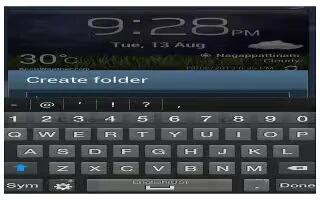
Learn how to create folders on your Samsung Galaxy Tab 3. Place Folders on Home screen to organize items together can add, manage and remove folder.
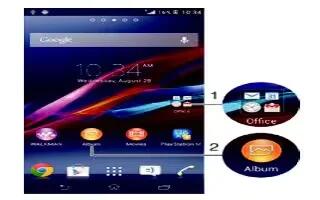
Learn how to use shortcuts on your Sony Xperia Z Ultra. Use shortcuts to manage your applications and keep your Home screen tidy.
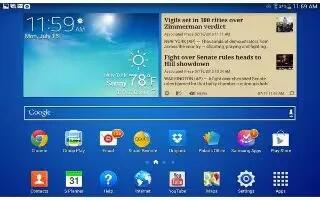
Learn how to use App Shortcuts on your Samsung Galaxy Tab 3. Use App Shortcuts for quick access to applications or features, Email or apps.
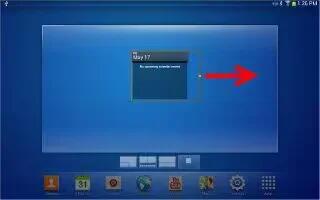
Learn how to use Widgets on your Samsung Galaxy Tab 3. When you first turn on your tablet, there are various widgets on center Home screen.
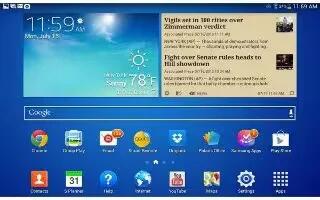
Learn how to navigate on your Samsung Galaxy Tab 3. Use command buttons and the touch screen to navigate. You can use command buttons.
Learn how to use Widgets on your Sony Xperia Z Ultra. Widgets are small applications that you can use directly on your Home screen.
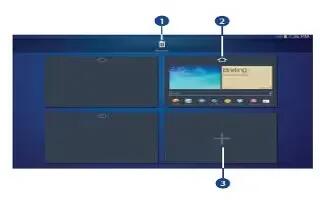
Learn how to use Home Screen Panels on your Samsung Galaxy Tab 3. Your device comes with seven Home screen panels and panels.







