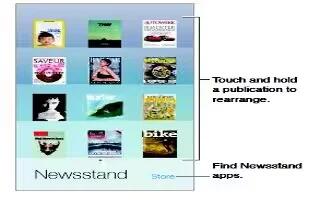
How To Customize Newsstand App – iPhone 5C
Learn how to customize newsstand apps on your iPhone 5c. Newsstand organizes your magazine and newspaper apps, and automatically updates.
Apple, Gadgets, Android, Microsoft
Learn how to customize newsstand apps on your iPhone 5c. Newsstand organizes your magazine and newspaper apps, and automatically updates.
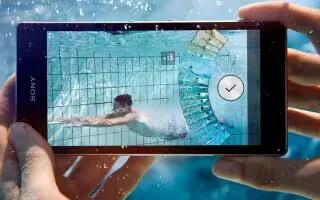
Learn how to update software on your Sony Xperia Z1. Update your device to the most recent software version to get optimal performance.
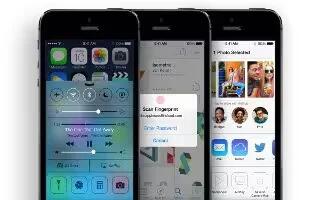
Learn how to use stocks app on your iPhone 5c. Keep track of the major exchanges and your stock portfolio, the change in value over time.
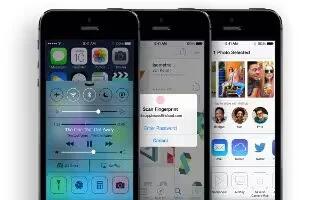
Learn how to customize reminders on iPhone 5c. You can choose which of your Mail, Contacts, and Calendars accounts is used to save reminder.
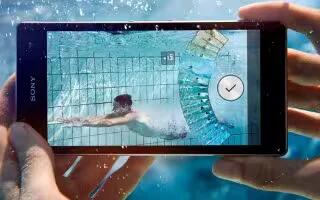
Learn how to use Google maps on your Sony Xperia Z1. Use Google Maps to track your current location, view real-time traffic situations.
Learn how to use calendar app on your Sony Xperia Z1. When the appointment time approaches, your device plays a short sound to remind.
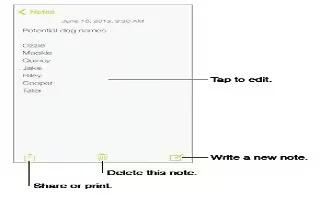
Learn how to make notes on your iPhone 5c. Type notes on iPhone, and iCloud automatically makes them available on your other iOS devices.
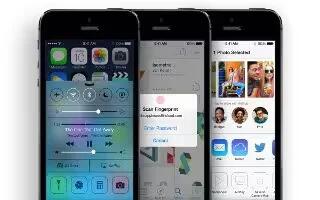
Learn how to use videos on iPhone 5c. To download the video to iPhone so you can watch without using a Wi-Fi or cellular connection.
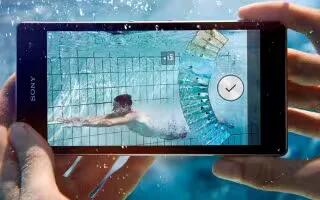
Learn how to use screen lock settings on your Sony Xperia Z1. Set a screen unlock pattern, number-based PIN lock, or a text-based password.
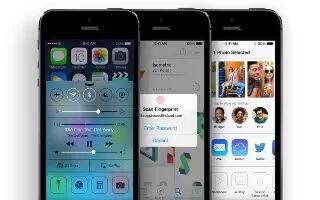
Learn how to use maps on iPhone 5C. For important information about navigating safely and avoiding distraction while driving.
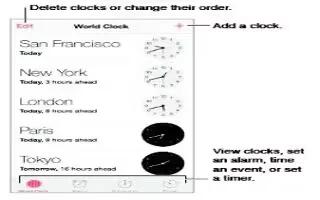
Learn how to use clock app on iPhone 5c. The first clock displays the time based on your location when you set up iPhone. Add other clocks.

Learn how to protect SIM card on your Sony Xperia Z1. You can lock and unlock each SIM card that you use in your device with a PIN.
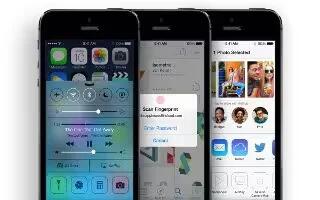
Learn how to customize weather apps on iPhone 5c. Get the current temperature and six-day forecast for one or more cities around the world.
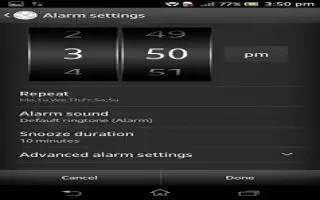
Learn how to use alarm clock on your Sony Xperia Z1. Use device as an alarm clock and select any sound in your device as alarm signal.
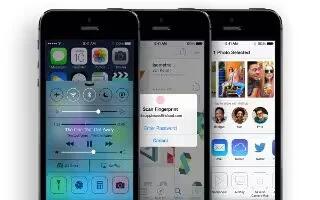
Learn how to use camera on iPhone 5c. When you open Camera from the Lock screen, you can view (and even edit) photos and videos by tapping.
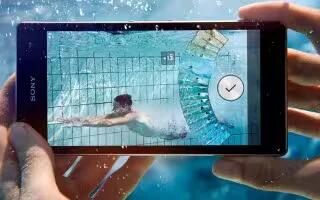
Learn how to get directions on Sony Xperia Z1. Use Google Maps application to get directions travel by foot, public transportation, or car.
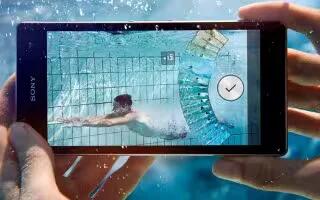
Learn how to use GPS on your Sony Xperia Z1. Your device has a GPS receiver that uses satellite signals to calculate your location.
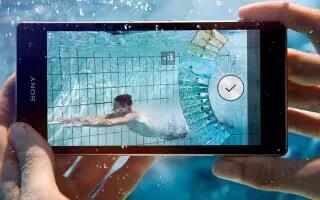
Learn how to use maps on your Sony Xperia Z1. Enable the wireless networks option if you only need approximate location, and want it fast.







