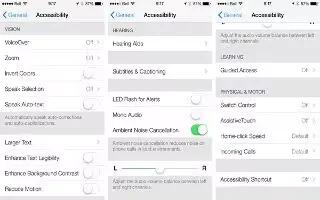
How To Use VoiceOver Basics – iPhone 5C
Learn how to use VoiceOver basics on iPhone 5c. When VoiceOver is on, you must use VoiceOver gestures to operate iPhone even to turn off.
Apple, Gadgets, Android, Microsoft
Learn how to use VoiceOver basics on iPhone 5c. When VoiceOver is on, you must use VoiceOver gestures to operate iPhone even to turn off.
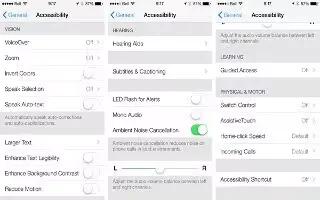
Learn how to use VoiceOver on your iPhone 5c. VoiceOver describes aloud what appears onscreen, so you can use iPhone without seeing it.
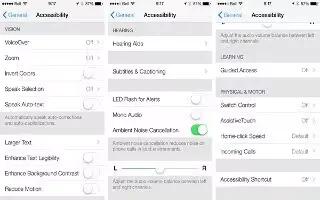
Learn how to use accessibility shortcut on your iPhone 5c. This feature includes VoiceOver, Siri voice assistant, Zoom magnification etc.

Learn how to restart your Sony Xperia Z1. You can reset device to original factory settings, with or without deleting all of personal data.
Learn how to use Nike iPod app on your iPhone 5c. Nike + iPod collects workout data from a wireless sensor that you attach to your shoe.
Learn how to use calculator app on iPhone 5c. To use the scientific calculator, rotate iPhone to landscape. functions in Calculator.
Learn how to use contacts on iPhone 5c. Tap the search field at the top of the contacts list and enter search contacts with Spotlight.
Learn how to use facetime app on your iPhone 5c. Use FaceTime to make video or audio calls to other iOS devices or computers that FaceTime.
Learn how to use voice memos on your iPhone 5c. Use it with the built-in microphone, an iPhone or Bluetooth headset mic, or microphone.
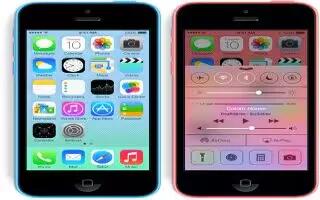
Learn how to use compass app on your iPhone 5c. The accuracy of the compass can be affected by magnetic or environmental interference.
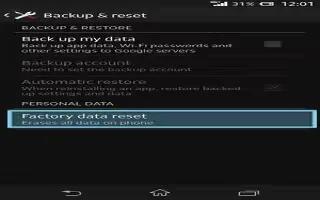
Learn how to factory data reset your Sony Xperia Z1. You can reset your device to its original factory settings, with or without deleting.
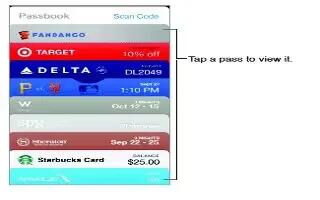
Learn how to use passbook apps on your iPhone 5c. Use Passbook to keep your boarding passes, movie tickets, coupons, loyalty cards.

Learn how to manage backup records on your Sony Xperia Z1. You can delete or rename records of backups that make using Backup & restore.
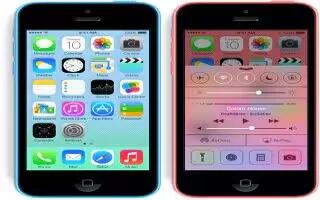
Learn how to use app store on iPhone 5c. Internet connection and an Apple ID to use App Store. The App Store is not available all areas.

Learn how to backup and restore on Sony Xperia Z1. Use the Backup and restore application to make backups of content to memory card or USB.

Learn how to Find my xperia your Sony Xperia Z1. There are several ways to find and protect device if ever lose it. Using the my Xperia service.
Learn how to use iTunes store on your iPhone 5c. You need an Internet connection and an Apple ID to use the iTunes Store add music, movies.

Learn how to update software using USB on Sony Xperia Z1. To download and run updates, need a USB cable and computer running PC Companion.







