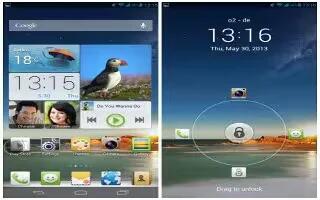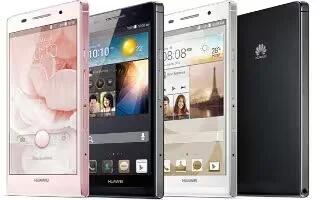
How To Use USB Tethering – Huawei Ascend P6
Learn how to use USB tethering on your Huawei Ascend P6. You can share your phone’s data connection with a computer using a USB cable.
Apple, Gadgets, Android, Microsoft
Learn how to use USB tethering on your Huawei Ascend P6. You can share your phone’s data connection with a computer using a USB cable.
Learn how to use music app on your Huawei Ascend P6. In the mood for music? Your phone provides you with a supreme audio experience.
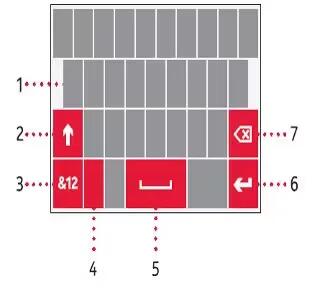
Learn how to enter text on your Nokia Lumia 928. To open the virtual keyboard, select a text input field. You can use the virtual keyboard.
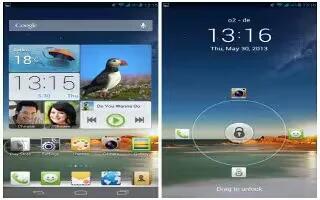
Learn how to use gallery on your Huawei Ascend P6. Gallery is your personal treasure box of sweet memories. View, edit, delete and rotate.
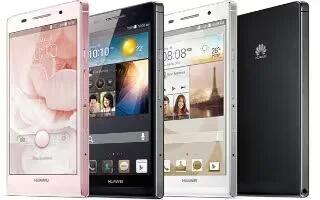
Learn how to use file manager on your Huawei Ascend P6. It helps you manage applications in your phone’s internal storage and microSD card.
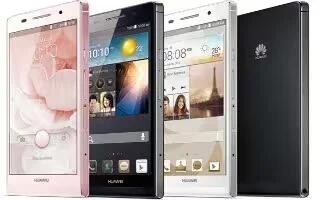
Learn how to configure DLNA on your Huawei Ascend P6. DLNA enables users on the same WiFi network to share multimedia files easily.
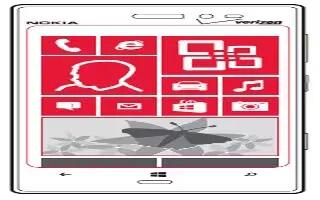
Learn how to customize your Nokia Lumia 928. Arrange your start screen how you want it and make it easy to see everything thats going.
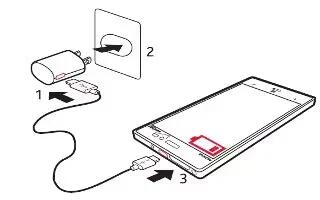
Learn how to charge battery on your Nokia Lumia 928. Your battery has been partially charged at the factory, but you may need to recharge.
Learn how to use contacts groups on your Huawei Ascend P6. You can create it, send a message or email to all group members simultaneously.
Learn how to use camera app on your Huawei Ascend P6. As time flies by, there must be some memories you want to keep forever.
Learn how to use call options on your Huawei Ascend P6. It also supports other functions, such as call forwarding, waiting and voicemail.
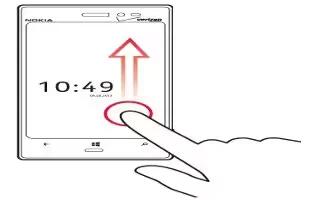
Learn how to use home screen on your Nokia Lumia 928. Avoid scratching the touch screen. Never use an actual pen, on the touch screen.
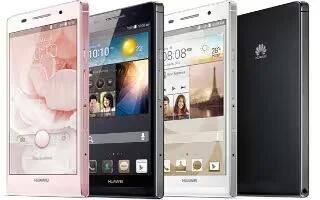
Learn how to use browser on your Huawei Ascend P6. It lets you surf the web and stay on the ball with up-to-date news and information.
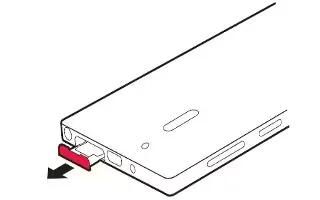
Learn how to Insert SIM card on your Nokia Lumia 928. Your phone uses a SIM card, also known as a mini-UICC card. Do not put stickers.
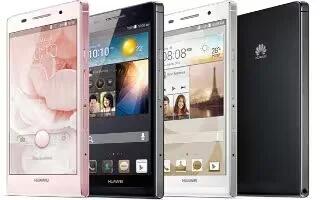
Learn how to manage bookmarks on your Huawei Ascend P6. Bookmarks let you keep track of your favorite websites.
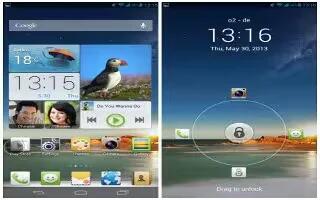
Learn how to make emergency calls on your Huawei Ascend P6. you will still be able to make emergency calls without the use of a SIM card.
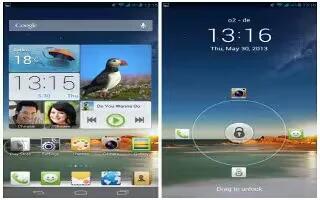
Learn how to make conference call on your Huawei Ascend P6. Conference calling with your friends, family, and co-workers is easy.