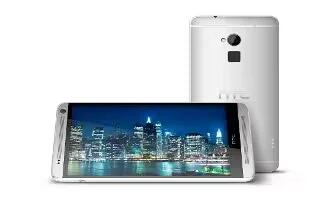
How To Use Fingerprint Scanner – HTC One Max
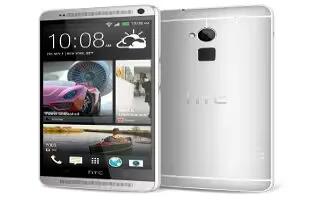
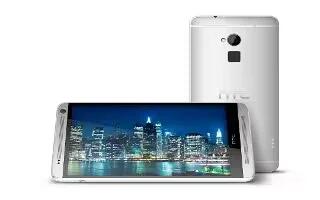
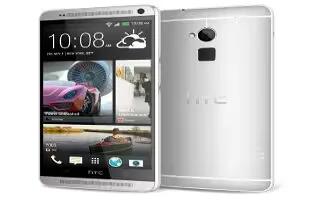
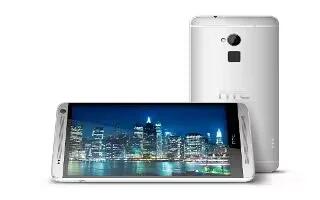
Learn how to use fingerprint scanner on your HTC One Max. You can quickly unlock the HTC One max and open apps using your fingerprint.
Apple, Gadgets, Android, Microsoft
Learn how to use fingerprint scanner on your HTC One Max. You can quickly unlock the HTC One max and open apps using your fingerprint.
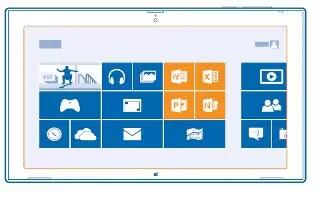
Learn how to use Microsoft office on Nokia Lumia 2520. Keep yourself organized. Learn how to use the calendar and Microsoft Office apps.
Learn how to use Word prediction on your HTC One Max. While you’re entering text using the standard keyboard layout, tapping a word fast.
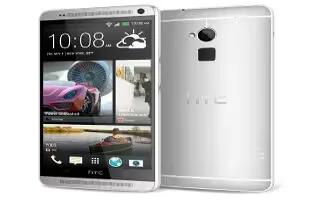
Learn how to use text options on your HTC One Max. In HTC apps such as Internet and Mail, you can select and copy text, and then paste.

Learn how to use email on your Nokia Lumia 2520. You can use your tablet to send, read, and reply to mail when you are on the go.
Learn how to use sleep mode on your HTC One Max. Sleep mode saves battery power by putting into a low power state while the display is off.
Learn how to use internet on Nokia Lumia 2520. Learn how to create wireless connections and browse the web while keeping data costs down.
Learn how to use settings on your HTC One Max. Open settings either from the quick settings panel or the All Apps screen.
Learn how to use here maps on your Nokia Lumia 2520. HERE Maps shows you where you are and what is nearby. Drag the map with your finger.
Learn how to use HTC sense keyboard on your HTC One Max. Typing is fast and accurate with the HTC Sense keyboard.

Learn how to use notifications panel on your HTC One Max. This icons inform you of new messages, calendar events, alarms, and activities.
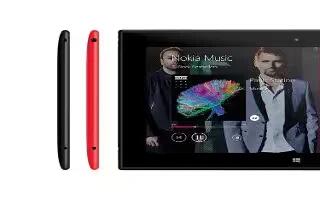
Learn how to use Get directions to a place Nokia Lumia 2520. Want to find way easily.Get directions walking,or using public transportation.

Learn how to use notification LED on your HTC One Max. The notification LED shows different battery level. Battery is fully charged.

Learn how to use games on Nokia Lumia 2520. Want to have some fun? Keep yourself entertained by downloading and playing games on tablet.
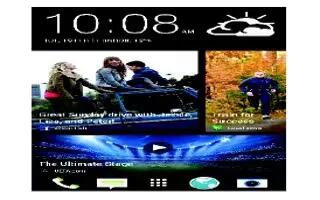
Learn how to use homescreen on your HTC One Max. You can change the apps on the launch bar at the bottom of the homescreen.
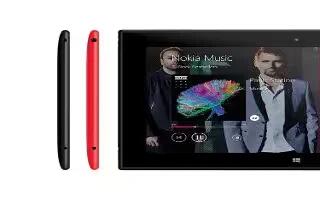
Learn how to use Exchange ActiveSync on your Nokia Lumia 2520. Would you like to have your work mail, contacts, and calendar at hand.
Learn how to use to touch Gestures on your HTC One Max. Use touch gestures to get around the Home screen, open apps, scroll through lists.

Learn how to update software on your HTC One Max. HTC One max can check and notify you if theres a new update available.







