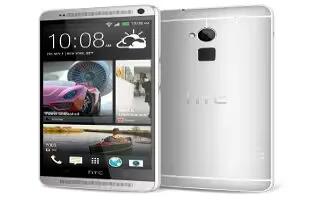
How To Encrypt Data – HTC One Max
Learn how to encrypt data on your HTC One Max . You can encrypt data such as your online accounts, settings, music files and other media.
Apple, Gadgets, Android, Microsoft
Learn how to encrypt data on your HTC One Max . You can encrypt data such as your online accounts, settings, music files and other media.
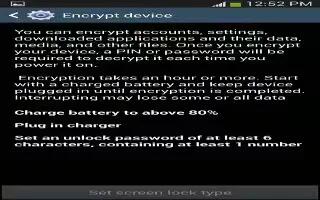
Learn how to encrypt Samsung Galaxy S4 Active. The Security settings allow you to determine the security level for phone.
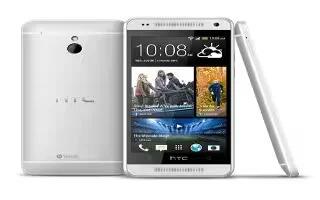
Learn how to use call history on your HTC One Mini. Use call history to check missed calls, your dialled numbers, and received calls.

Learn how to use call history on your HTC One Max. Use call history to check missed calls, your dialled numbers, and received calls.

Learn how to customize pointer speed on your Samsung Galaxy S4 Active. This option sets your Pointer speed.From the Home screen, tap My device.
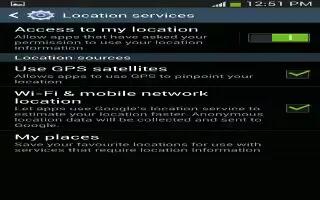
Learn how to use location services on Samsung Galaxy S4 Active. This settings allow to set up how the phone will determine your location.
Learn how to use incognito on Samsung Galaxy S4 Active. The incognito feature allows you to view Internet sites outside of normal browsing.

Learn how to use gyroscope calibration on Samsung Galaxy S4 Active. This settings allow you to set up various Motion activation services.
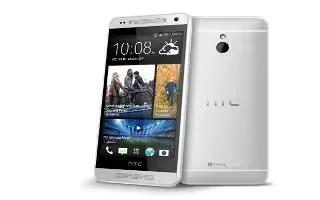
Learn how to change sounds on your HTC One Mini. The alarms to ring louder but notifications to be more discreet.
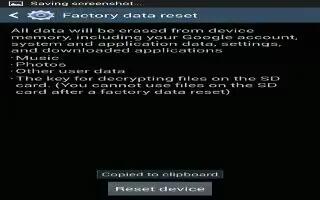
Learn how to factory data reset on Samsung Galaxy S4 Active. From this menu you can reset your phone and sound settings to the factory.
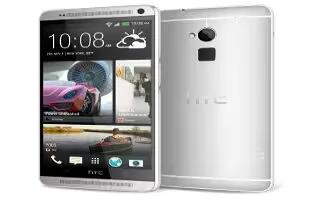
Learn how to change sounds on your HTC One Max. The alarms to ring louder but notifications to be more discreet.
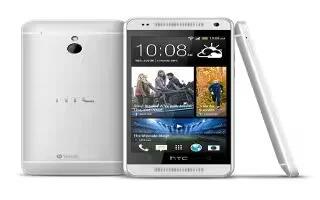
Learn how to ringtone on your HTC One Mini. HTC One Mini has a quiet ring feature that automatically lowers the ring volume when you move it.
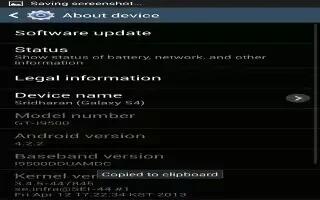
Learn how to use device administrator on Samsung Galaxy S4 Active. This feature allows you select one or more administration applications.

Learn how to ringtone on your HTC One Max. HTC One max has a quiet ring feature that automatically lowers the ring volume when you move it.
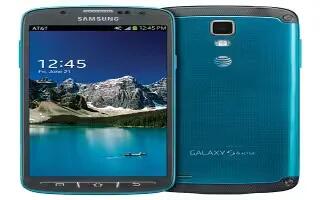
Learn how to use browser on your Samsung Galaxy S4 Active. This section describes the various connections your phone can make including access.
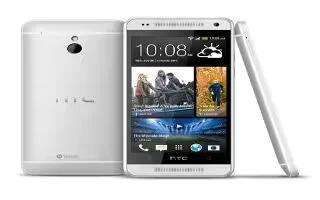
Learn how to browse on your HTC One Mini. If the webpage is in fullscreen mode flick the screen down to show the URL box and other options.
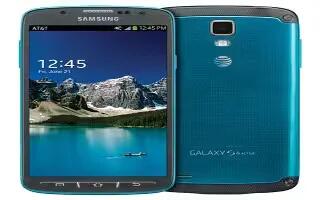
Learn how to use bookmarks on Samsung Galaxy S4 Active. While navigating a website, you can bookmark a site to quickly and easily access.
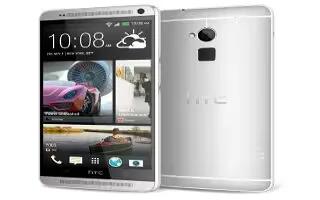
Learn how to browse on your HTC One Max. If the webpage is in fullscreen mode, flick the screen down to show the URL box and other options.







