How To Make Emergency Calls – Samsung Galaxy Mega
Learn how to make emergengy calls on your Samsung Galaxy Mega. If you do not have SIM card installed the first time you turn on the phone.
Apple, Gadgets, Android, Microsoft
Learn how to make emergengy calls on your Samsung Galaxy Mega. If you do not have SIM card installed the first time you turn on the phone.
Learn how to make calls on your Samsung Galaxy Mega. From the Homescreen, tap Call and use the on-screen keypad to enter the number to dial.
Learn how to enter text using swype on your Samsung Galaxy Mega. Swype is a text input method that allows you to enter a word by sliding.
Learn how to enter text using handwriting on your Samsung Galaxy Mega. You can enter text simply by using your finger to handwrite letters.
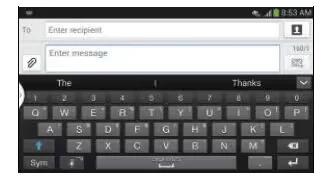
Learn how to enter text on your Samsung Galaxy Mega. This section describes how to select the desired text input method.
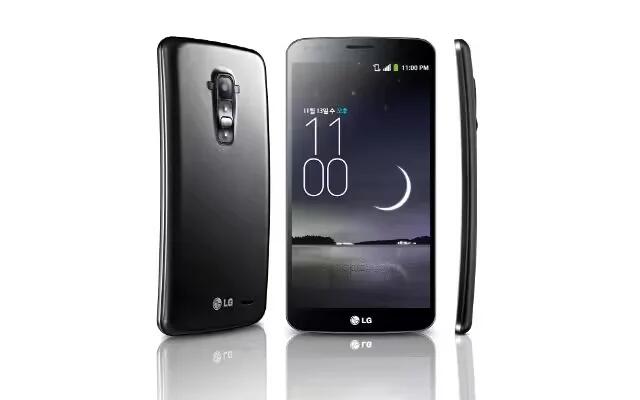
LG has announced their new flagship phone G Flex will be available in more than 20 European countries including UK, Germany, France, Italy, Sweden, Austria and “major European markets” starting from this February.
Learn how to customize multi window apps on your Samsung Galaxy Apps. To rearrange the multi window applications or remove multi window.
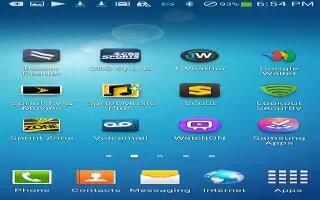
Learn how to customize home screen on your Samsung Galaxy Mega. The main home screen is the starting point for many applications.
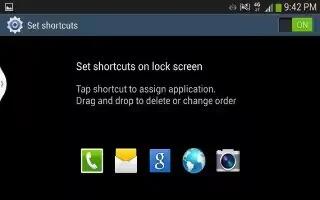
Learn how to create shortcuts on your Samsung Galaxy Mega. Shortcuts are different than the current home screen widgets that only launch.
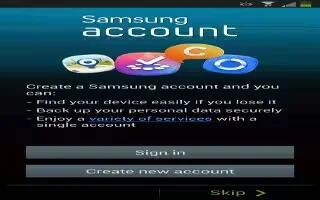
Learn how to create samsung account on your Samsung Galaxy Mega.An active Samsung account is required to begin accessing applications.
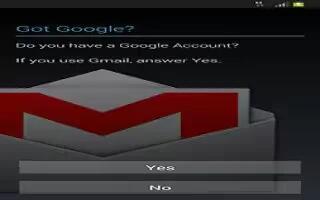
Learn how to create Google account on your Samsung Galaxy Mega Google applications will always be in sync between your phone and computer.
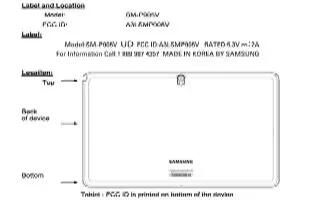
Samsungs recently-announced 12.2 inch Galaxy Note PRO has just made its way through the FCC and the filingb reveals LTE support for Verzion’s 4G LTE network.
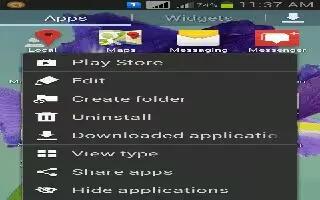
Learn how to create folders on your Samsung Galaxy Mega. You can create application folders to hold similar applications.

Learn how to change wallpaper on your Samsung Galaxy Mega. You can change the Wallpaper(background) of your home screen by following steps.
Learn how to use call duration on your Samsung Galaxy Mega. Last call, dialed calls, received calls and all calls.
Learn how to answer calls on your Samsung Galaxy Mega. When a call is received the phone rings and displays callers phone number or name.
Learn how to create pages on your Samsung Galaxy Mega. You can add a new page to your application menu by following steps.
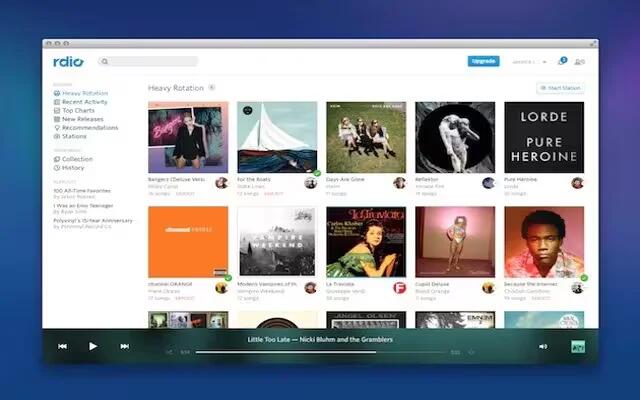
Rdio Lets You Hear Free On The Web. The user can able to stream music for unbeatable price of free.Rdio customers can now listen to the entirety of the service’s streaming library.







