
Tag: Xperia Z2 Tablet
-
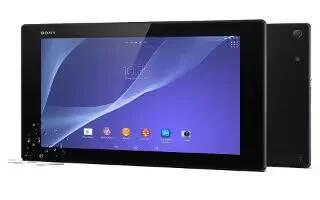
How To Use Display Settings – Sony Xperia Z2 Tablet
Learn how to useDisplay Settings on your Sony Xperia Z2 Tablet. To adjust the screen brightness.
-
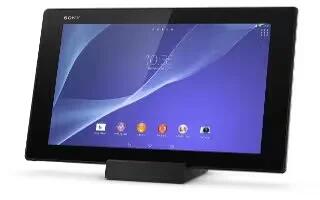
How To Use Sound Settings – Sony Xperia Z2 Tablet
Learn how to use sound settings on your Sony Xperia Z2 Tablet. You can adjust the ringtone volume for incoming calls and notifications.
-
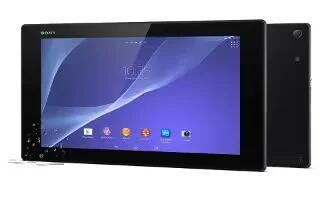
How To Access Settings – Sony Xperia Z2 Tablet
Learn how to Access Settings on your Sony Xperia Z2 Tablet. View and change settings for your device from the Settings menu.
-
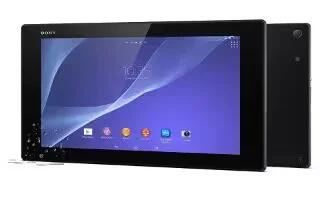
How To Sync With Outlook – Sony Xperia Z2 Tablet
Learn how to Sync With Outlook on your Sony Xperia Z2 Tablet. You can use the Calendar and Contacts applications within the PC Companion.
-
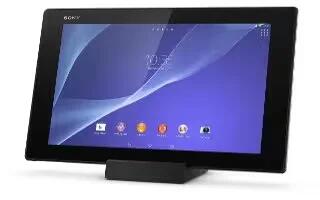
How To Sync With Microsoft Exchange ActiveSync – Sony Xperia Z2 Tablet
Learn how to Sync With Microsoft Exchange ActiveSync on your Sony Xperia Z2 Tablet. Using a Microsoft Exchange ActiveSync account, you can access corporate messages.
-
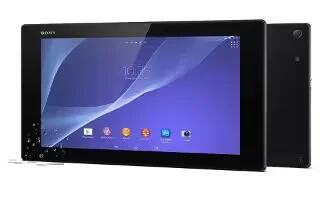
How To Sync With Online Accounts – Sony Xperia Z2 Tablet
Learn how to Sync with Online Accounts on your Sony Xperia Z2 Tablet. Synchronize your device with contacts, email, calendar events, and other information.
-
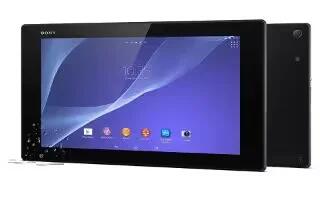
How To Use VPN – Sony Xperia Z2 Tablet
Learn how to use VPN on your Sony Xperia Z2 Tablet. Use your device to connect to virtual private networks, which allow you to access resources.
-
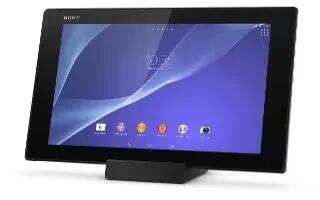
How To Select Mobile Networks – Sony Xperia Z2 Tablet
Learn how to select mobile networks on your Sony Xperia Z2 Tablet. Your device automatically switches between mobile network.
-
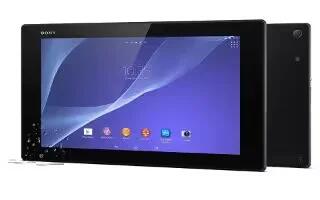
How To Control Data Usage – Sony Xperia Z2 Tablet
Learn how to control data usage on your Sony Xperia Z2 Tablet. You can keep track of the amount of data transferred to and from your device.
-
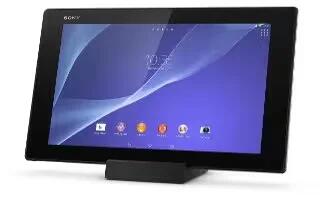
How To Use USB Tethering – Sony Xperia Z2 Tablet
Learn how to use USB Tethering on your Sony Xperia Z2 Tablet. You can share your device’s mobile data connection with a single computer using a USB cable.
-
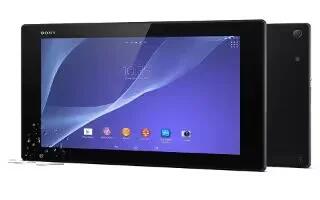
How To Use WiFi Settings – Sony Xperia Z2 Tablet
Learn how to use WiFi Settings on your Sony Xperia Z2 Tablet. When you are connected to a Wi-Fi network or when there are Wi-Fi networks available in your vicinity.
-
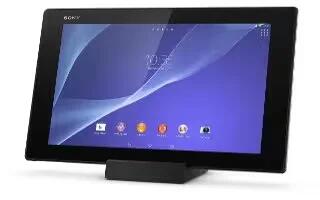
How To Use WiFi – Sony Xperia Z2 Tablet
Learn how to use WiFi on your Sony Xperia Z2 Tablet. Use WiFi connections to surf the Internet, download applications, or send and receive email.
-
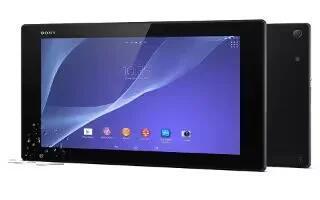
How To Use Browser – Sony Xperia Z2 Tablet
Learn how to use Browser on your Sony Xperia Z2 Tablet. The Google Chrome web browser for Android devices comes pre-installed in most markets.
-
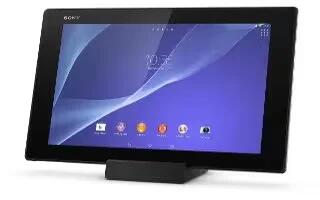
How To Download Apps From Other Sources – Sony Xperia Z2 Tablet
Learn how to download apps from other sources on your Sony Xperia Z2 Tablet. When your device is set to allow downloads from sources other than Google Play.
-
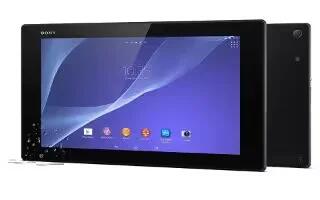
How To Download Apps From Google Play – Sony Xperia Z2 Tablet
Learn how to download apps from Google Play on your Sony Xperia Z2 Tablet. Google Play is the official online Google store for downloading applications and games.
-
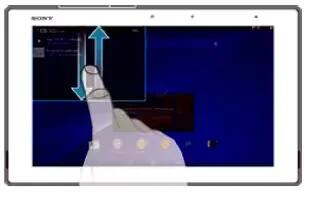
How To Use Notifications – Sony Xperia Z2 Tablet
Learn how to use Notifications on your Sony Xperia Z2 Tablet. The icons in the status bar inform you of events such as new messages and calendar notifications.
-
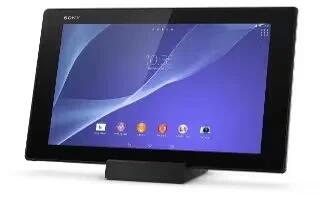
How To Take Screenshot – Sony Xperia Z2 Tablet
Learn how to take Screenshot on your Sony Xperia Z2 Tablet. You can capture still images of any screen on your device as a screenshot.
-
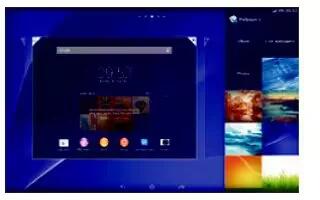
How To Change Wallpapers – Sony Xperia Z2 Tablet
Learn how to change Wallpapers on your Sony Xperia Z2 Tablet. You can adapt the Home screen to your own style using wallpapers and different themes.


