
Tag: Xperia Z2 Tablet
-
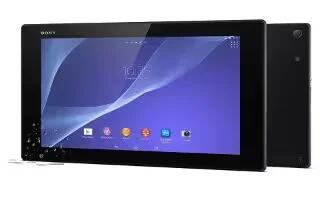
How To Transfer Contacts – Sony Xperia Z2 Tablet
Learn how to Transfer Contacts on your Sony Xperia Z2 Tablet. There are several ways to transfer contacts to your new device.
-
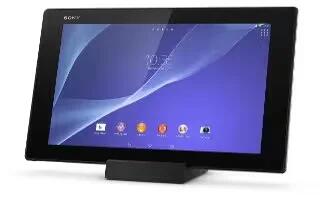
How To Make Emergency Calls – Sony Xperia Z2 Tablet
Learn how to make emergency calls on your Sony Xperia Z2 Tablet. Your device supports international emergency numbers, for example, 112 or 911.
-
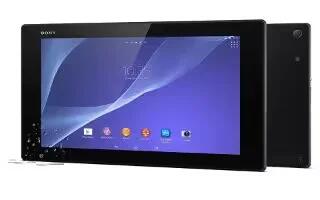
How To Use Voicemail – Sony Xperia Z2 Tablet
Learn how to use Voicemail on your Sony Xperia Z2 Tablet. If your subscription includes a voicemail service, callers can leave voice messages.
-
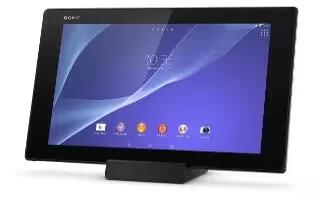
How To Use Conference Calls – Sony Xperia Z2 Tablet
Learn how to use Conference Calls on your Sony Xperia Z2 Tablet. With a conference or multiparty call, you can have a joint conversation with two or more people.
-
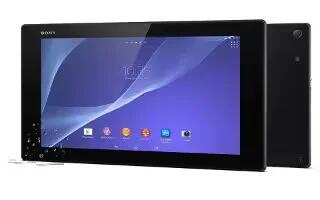
How To Make Multiple Calls – Sony Xperia Z2 Tablet
Learn how to Make Multiple Calls on your Sony Xperia Z2 Tablet. If you have activated call waiting, you can handle multiple calls at the same time.
-
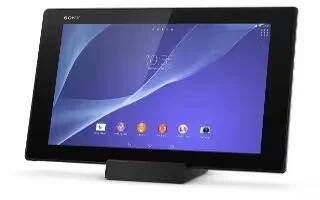
How To Restrict Calls – Sony Xperia Z2 Tablet
Learn how to Restrict Calls on your Sony Xperia Z2 Tablet. You can block all or certain categories of incoming and outgoing calls.
-
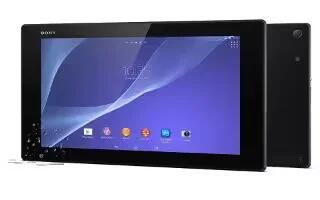
How To Forward Calls – Sony Xperia Z2 Tablet
Learn how to forward calls on your Sony Xperia Z2 Tablet. You can forward calls, for example, to another phone number, or to an answering service.
-
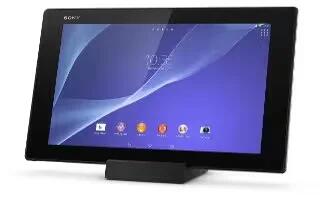
How To Use Call Log – Sony Xperia Z2 Tablet
Learn how to use Call Log on your Sony Xperia Z2 Tablet. In the call log, you can view missed calls, received calls and dialed calls.
-
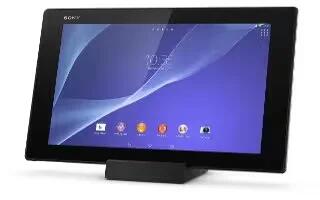
How To Make Calls – Sony Xperia Z2 Tablet
Learn how to Make Calls on your Sony Xperia Z2 Tablet. You can make a call by manually dialing a phone number, by tapping a number saved in your contacts.
-
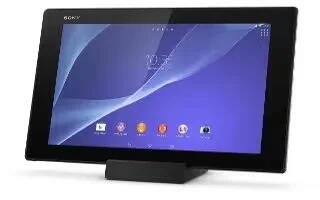
How To Use Xperia Keyboard – Sony Xperia Z2 Tablet
Learn how to use Xperia Keyboard on your Sony Xperia Z2 Tablet. When entering text using the on-screen keyboard, you can access keyboard.
-
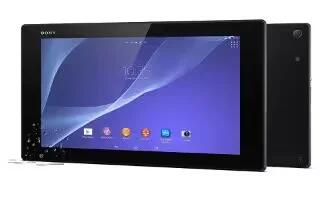
How To Edit Text – Sony Xperia Z2 Tablet
Learn how to Edit Text on your Sony Xperia Z2 Tablet. You can select, cut, copy, and paste text as you write.
-
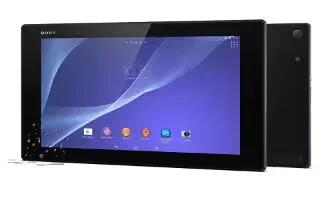
How To Enter Text Using Voice Input – Sony Xperia Z2 Tablet
Learn how to enter text using voice input on your Sony Xperia Z2 Tablet. When you enter text, you can use the voice input function instead of typing the words.
-
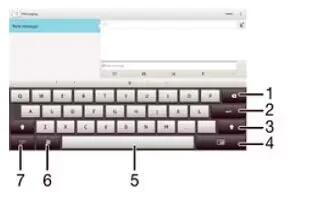
How To Enter Text – Sony Xperia Z2 Tablet
Learn how to enter text on your Sony Xperia Z2 Tablet. You can enter text with the on-screen QWERTY keyboard by tapping each letter individually.
-
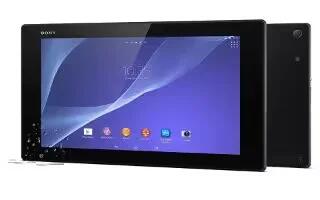
How To Enhance Sound Output – Sony Xperia Z2 Tablet
Learn how to enhance sound output on your Sony Xperia Z2 Tablet. You can enhance the sound of your device by manually enabling individual sound settings.
-
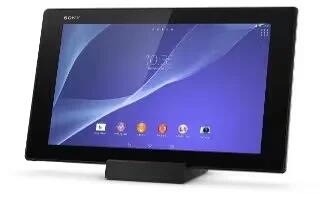
How To Use X Reality For Mobile – Sony Xperia Z2 Tablet
Learn how to use X Reality For Mobile on your Sony Xperia Z2 Tablet. Sony’s X-Reality for mobile technology improves the viewing quality of photos and videos.
-
How To Use Date And Time Settings – Sony Xperia Z2 Tablet
Learn how to use date and time settings on your Sony Xperia Z2 Tablet. You can change the date and time on your device.
-
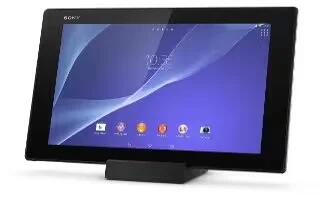
How To Use Language Settings – Sony Xperia Z2 Tablet
Learn how to use Language Settings on your Sony Xperia Z2 Tablet. You can select a default language for your device and change it again at a later time.
-
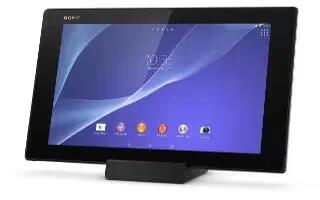
How To Use Screen Lock Settings – Sony Xperia Z2 Tablet
Learn how to use Screen Lock Settings on your Sony Xperia Z2 Tablet. There are several ways to lock the screen.


