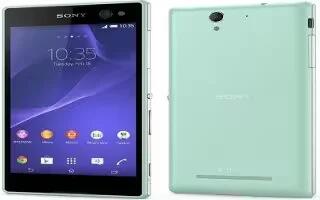
How To Backup And Restore – Sony Xperia C3 Dual
Learn how to backup and restore on your Sony Xperia C3 Dual. Generally, you should not save photos, videos and other personal content solely on the internal memory.
Apple, Gadgets, Android, Microsoft
Learn how to backup and restore on your Sony Xperia C3 Dual. Generally, you should not save photos, videos and other personal content solely on the internal memory.
Learn how to Sync with Microsoft Exchange ActiveSync on your Sony Xperia C3 Dual. Using a Microsoft Exchange ActiveSync account.
Learn how to use internet settings on your Sony Xperia C3 Dual. To send multimedia messages, or to access the Internet when there is no available Wi-Fi network.
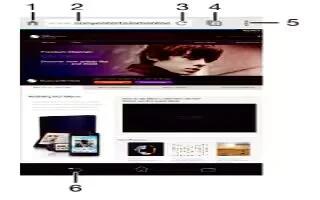
Learn how to use browser on your Sony Xperia C3 Dual. The Google Chrome web browser for Android devices comes pre-installed in most markets.
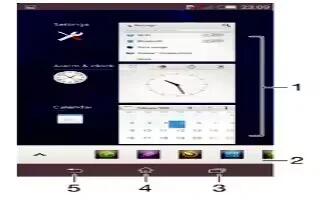
Learn how to navigate apps on your Sony Xperia C3 Dual. You can navigate between applications using the navigation keys.
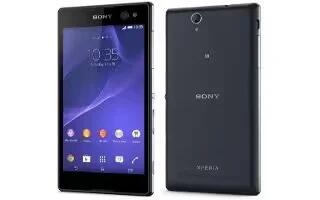
Learn how to use home screen on your Sony Xperia C3 Dual. The Home screen is the starting point for using your device. It’s similar to the desktop on a computer screen.
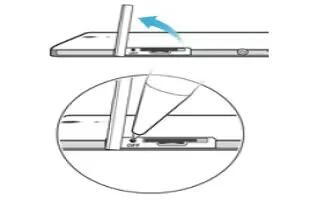
Learn how to reset on your Sony Xperia C3 Dual. You can force your device to shut down in situations where it stops responding or won’t restart normally.
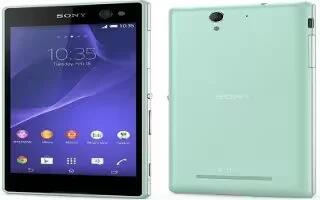
Learn how to manage files on your Sony Xperia C3 Dual. Use a USB cable connection between a Windows computer and your device to transfer and manage your files.
Learn how to improve memory performance on your Sony Xperia C3 Dual. Your device has different types of memory and storage possibilities for photos, apps and other files:
Learn how to improve battery life on your Sony Xperia C3 Dual. Your device has an embedded battery. You can keep track of your battery consumption.
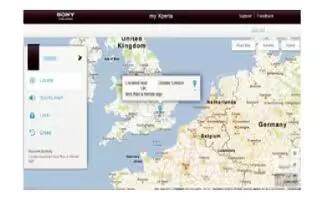
Learn how to find my device on your Sony Xperia C3 Dual. If you have a Google account, the my Xperia web service can help you locate and secure your device
Learn how to update on your Sony Xperia C3 Dual. You should update the software on your device to get the latest functionality.
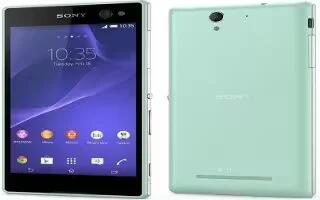
Learn how to use Sony Bridge For Mac on your Sony Xperia C3 Dual. It is a computer application that gives you access to additional feature.
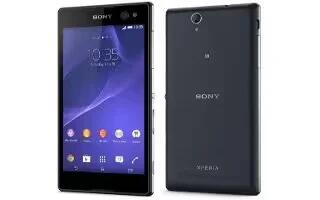
Learn how to use Media Go on your Sony Xperia C3 Dual. The Media Go application for Windows computers helps you to transfer photos, videos, and music.
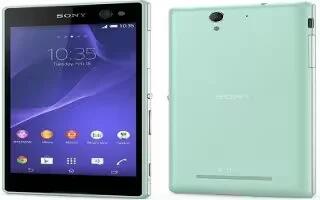
Learn how to use PC companion on Sony Xperia C3 Dual. PC Companion is computer application that gives access to additional features and services.
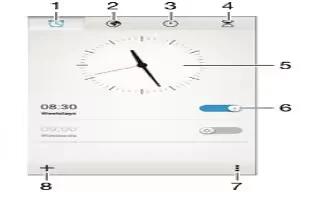
Learn how to use alarms on your Sony Xperia C3 Dual. You can set one or several alarms and use any sound saved on your device as the alarm signal.
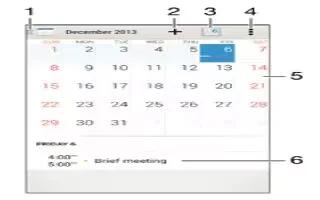
Learn how to use calendar on your Sony Xperia C3 Dual. Use the Calendar application to manage your time schedule.
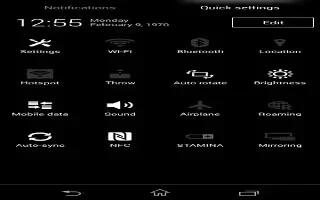
Learn how to use Airplane mode on your Sony Xperia C3 Dual. In flight mode, the network and radio transceivers are turned off to prevent disturbance.







