How To Edit Video Highlights – HTC One Mini
Learn how to edit video highlights on your HTC One Mini. You can change the highlights, theme, and music, and also save or share.
Apple, Gadgets, Android, Microsoft
Learn how to edit video highlights on your HTC One Mini. You can change the highlights, theme, and music, and also save or share.
Learn how to use photo highlights on your HTC One Mini, Gallery automatically groups all your most viewed or shared photos in one album.
Learn how to use gallery on your HTC One Mini. View them by album, event, or location. You can also trim videos, add frames and effects.
Learn how to use photos and videos on your HTC One Mini. To move or copy a single photo or video, open an album and then press and hold.
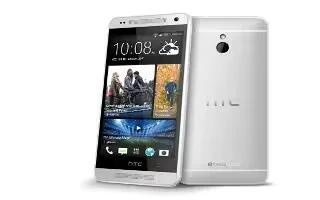
Learn how to edit photos on your HTC One Mini. Gallery has an array of editing tools that let you crop, rotate, apply and photo effects.
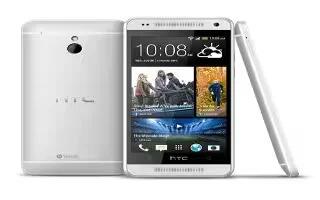
Learn how to create folder on your HTC One Mini. You can combine apps into folders on the All Apps screen, launch bar, or on the widget.
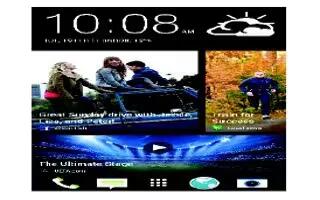
Learn how to change wallpaper on your HTC One Mini. Pick your favourite photo as your Home wallpaper.
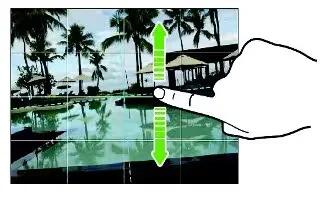
Learn how camera tips on your HTC One Mini. To get better captures with the camera app, here are some tips on taking your shoots.
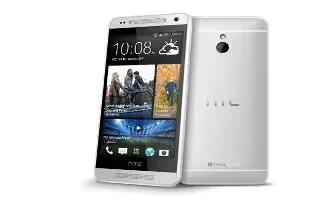
Learn how to trace keyboard on your HTC One Mini. Instead of tapping the keys on the onscreen keyboard, you can “trace” to type words.
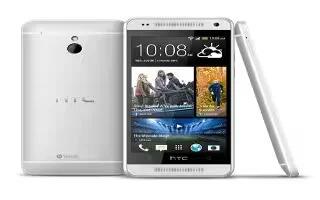
Learn how to use contacts on your HTC One Mini. Aside from the HTC Transfer Tool, there are other ways you can add contacts and content.
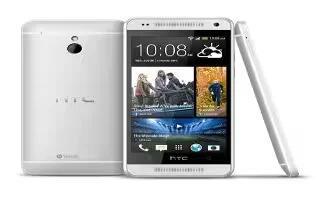
Learn how to use word prediction on your HTC One Mini. While you’re entering text using the standard keyboard layout, tapping a word fast.
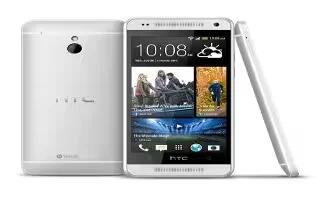
Learn how to use text options on your HTC One Mini. In HTC apps such as Internet and Mail, you can select and copy text, and then paste.
Learn how to use sleep mode on your HTC One Mini. Sleep mode saves battery power by putting into a low power state while the display is off.
Learn how to use settings on your HTC One Mini. Open Settings either from the Quick settings panel or the All Apps screen.
Learn how to use sense keyboard on your HTC One Mini. Typing is fast and accurate with the HTC sense keyboard.
Learn how to use notifications panel on your HTC One Mini. This icons inform you of new messages, calendar events, alarms, and activities.
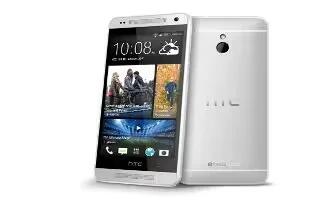
Learn how to use notification LED on your HTC One Mini. The notification LED shows different battery level. Battery is fully charged.
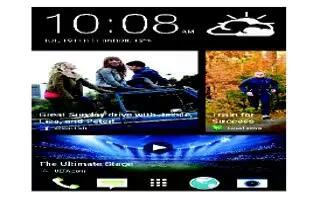
Learn how to use homescreen on your HTC One Mini. You can change the apps on the launch bar at the bottom of the homescreen.







