
How To Use Passbook App – iPhone 5S
Learn how to use passbook apps on your iPhone 5s. Use Passbook to keep your boarding passes, movie tickets, coupons, loyalty cards.
Apple, Gadgets, Android, Microsoft
Learn how to use passbook apps on your iPhone 5s. Use Passbook to keep your boarding passes, movie tickets, coupons, loyalty cards.

Learn how to customize data roaming on your Sony Xperia Z1. Some network operators allow you to send and receive mobile data.

Learn how to control data usage on your Sony Xperia Z1. Data transferred to and from your device over your mobile data or Wi-Fi connection.
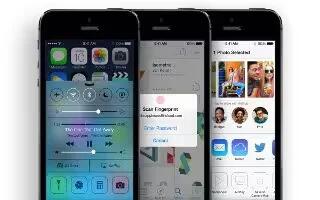
Learn how to use app store on iPhone 5s. Internet connection and an Apple ID to use App Store. The App Store is not available all areas.

Learn how to use USB tethering on your Sony Xperia Z1. Share your device’s mobile data connection with a single computer using a USB cable.
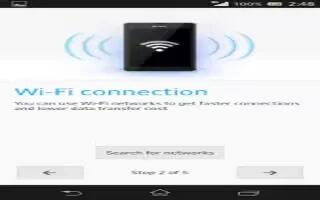
Learn how to use WiFi on your Sony Xperia Z1. Use Wi-Fi connections to surf the Internet, download applications, or send and receive emails.
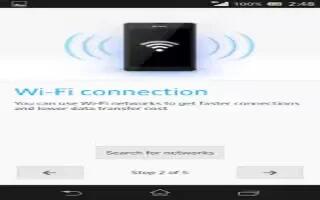
Learn how to use WiFi settings on your Sony Xperia Z1.Connected to a Wi-Fi network or when there are Wi-Fi networks available in vicinity.
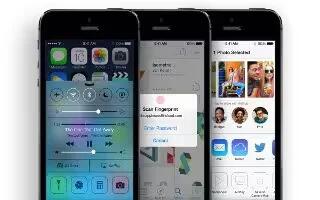
Learn how to use iTunes store on your iPhone 5s. You need an Internet connection and an Apple ID to use the iTunes Store add music, movies.
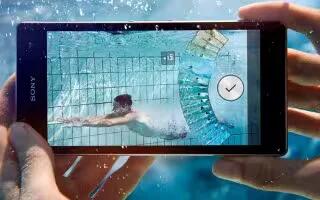
Learn how to use internet settings on your Sony Xperia Z1. The Google Chrome web browser for Android devices comes pre-installed.
Learn how to download apps from other sources on your Sony Xperia Z1. Device is set to allow downloads from sources other Google Play.
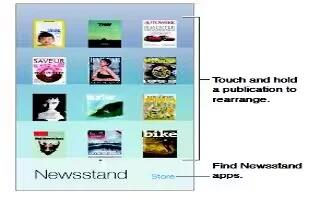
Learn how to customize newsstand app on your iPhone 5s. Newsstand organizes your magazine and newspaper apps, and automatically updates.
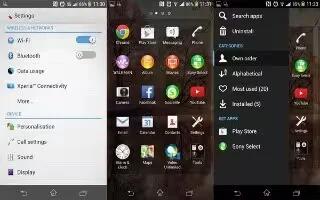
Learn how to Download apps from Google Play on your Sony Xperia Z1. Google Play is the official online Google store for downloading apps.
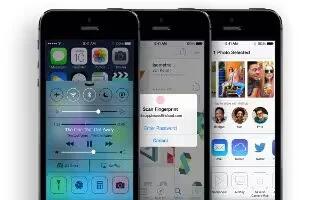
Learn how to use stocks app on your iPhone 5s. Keep track of the major exchanges and your stock portfolio, the change in value over time.
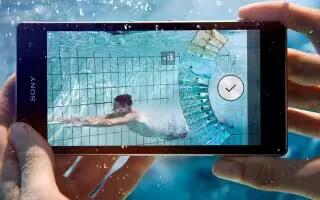
Learn how to use Status and notifications on your Sony Xperia Z1. You can drag down the status bar to open the Notification panel.

Learn how to use Wallpapers on your Sony Xperia Z1. Adapt Home screen to own style using wallpapers. Change the wallpaper on lock screen.
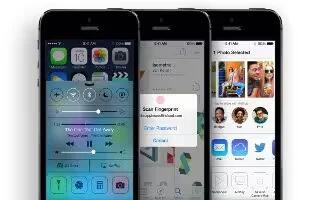
Learn how to use reminders on iPhone 5s. You can choose which of your Mail, Contacts, and Calendars accounts is used to save reminder.
Learn how to use themes on Sony Xperia Z1. Adapt the Home screen to own style using different themes. Change the wallpaper on lock screen.
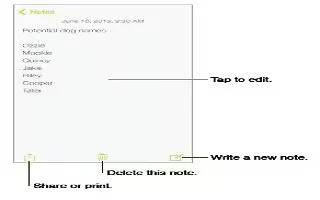
Learn how to make notes on your iPhone 5s. Type notes on iPhone, and iCloud automatically makes them available on your other iOS devices.







