
How To Setup – iPad Air
Learn how to Setup your iPad Air. Turn on iPad and follow the Set up Assistant. The Set up Assistant guides you through the set up process.
Apple, Gadgets, Android, Microsoft
Learn how to Setup your iPad Air. Turn on iPad and follow the Set up Assistant. The Set up Assistant guides you through the set up process.
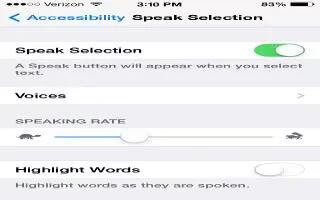
Learn how to customize speak selection on your iPhone 5c. iPhone analyzes the text to determine language, then reads it using pronunciation.
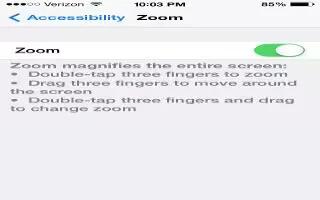
Learn how to customize Zoom on your iPhone 5c. Theres also a Zoom accessibility feature that magnify the entire screen of any app using.
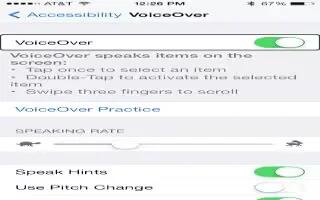
Learn how to Use a braille display with VoiceOver On iPhone 5c. VoiceOver describes aloud what appears onscreen, iPhone without seeing it.
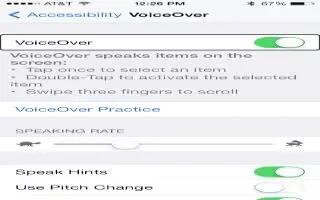
Learn how to use VoiceOver with an apple wireless keyboard on your iPhone 5c. VoiceOver Help to learn the keyboard layout and the actions.
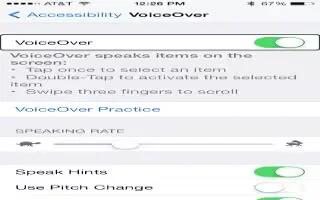
Learn how to edit videos and voice memos with voiceover on iPhone 5c. VoiceOver gestures to trim Camera videos, Voice Memo recordings.

Learn how to insert SIM card on your iPad Air. The SIM card in iPad Wi-Fi + Cellular models is used for your cellular data connection.
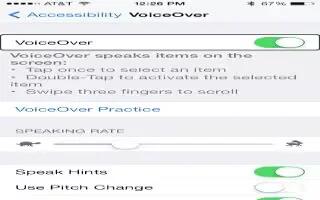
Learn how to use VoiceOver with maps on your iPhone 5c. VoiceOver describes aloud what appears onscreen, so you can use without seeing it.
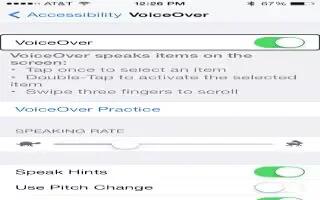
Learn how to use VoiceOver With Safari on your iPhone 5c. VoiceOver describes aloud what appears onscreen, so you can use without seeing it.
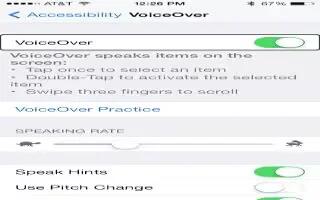
Learn how to make phone calls with voiceover on iPhone 5c. When a phone call is established with VoiceOver on, displays the numeric keypad.
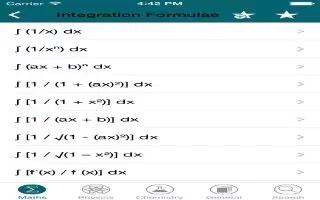
Learn how to read math equations on your iPhone 5c. Math equations encoded using MathML on the web, MathML or LaTeX in iBooks Author.

Learn how to use handwriting on your iPhone 5c. Set the rotor to Handwriting on the passcode screen, then write the characters of passcode.

Learn how to use onscreen keyboard on your iPhone 5c. Select the text field, then double-tap. The insertion point and the onscreen keyboard.
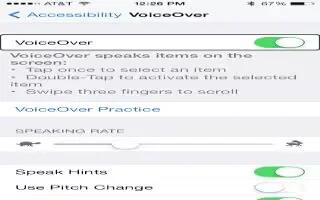
Learn how to use VoiceOver rotor on your iPhone 5c. Use the rotor to choose what happens when you swipe up or down with VoiceOver turned on.
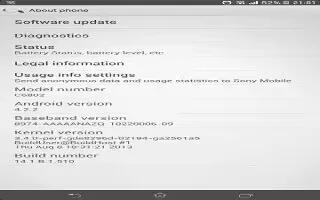
Learn how to View usage info on Sony Xperia Z1. For quality purposes, Sony Mobile collects anonymous bug reports and statistics regarding.
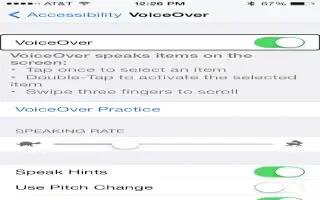
Learn how to use VoiceOver gestures on your iPhone 5c. For best results using multi-finger gestures, relax and your fingers touch the screen.
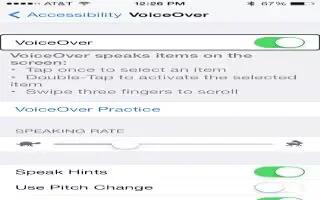
Learn how to use iPhone 5c with VoiceOver. VoiceOver describes aloud what appears onscreen, so you can use iPhone without seeing it.
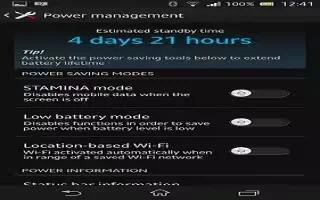
Learn how to improve battery life on your Sony Xperia Z1. Your device has an embedded battery. You can keep track of battery consumption.







