
How To Forward Messages – Nokia Lumia 925
Learn how to forward messages on Nokia Lumia 925.Before forwarding the message, you can edit what’s written or add or remove attachments.
Apple, Gadgets, Android, Microsoft

Learn how to find location on Nokia Lumia 720. HERE Maps helps you find specific locations and businesses.The location is shown on the map.

Learn how to find location on Nokia Lumia 1020. HERE Maps helps you find specific locations and businesses.The location is shown on the map.

Learn how to find location on Nokia Lumia 925. HERE Maps helps you find specific locations and businesses.The location is shown on the map.

Learn how to use exchange active sync on your Nokia Lumia 720. Would you like to have your work mail, contacts, and calendar at hand.

Learn how to use exchange active sync on your Nokia Lumia 1020. Would you like to have your work mail, contacts, and calendar at hand.

Learn how to use exchange active sync on your Nokia Lumia 925. Would you like to have your work mail, contacts, and calendar at hand.
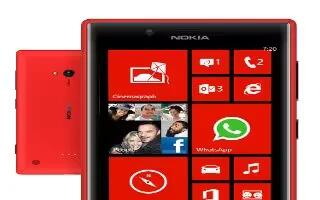
Learn how to edit photos on your Nokia Lumia 720. You can do quick edits, such as rotate and crop, to the photos you have taken.
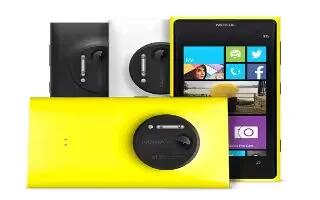
Learn how to edit photos on your Nokia Lumia 1020. You can do quick edits, such as rotate and crop, to the photos you have taken.

Learn how to edit photos on your Nokia Lumia 925. You can do quick edits, such as rotate and crop, to the photos you have use auto-fix.
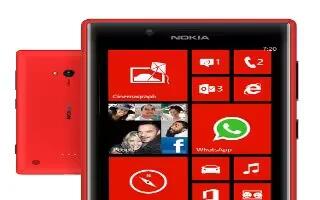
Learn how to use camera modes on your Nokia Lumia 720. Did you know that your phone has several camera modes Nokia’s own camera modes.
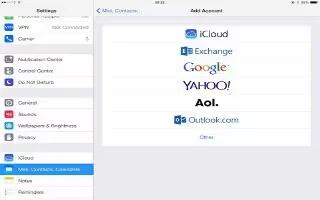
Learn iPad in enterprise on your iPad Air. With support for secure access to corporate networks, directories and Microsoft Exchange.

Learn how to use camera modes on your Nokia Lumia 1020. Did you know that your phone has several camera modes Nokia’s own camera modes.

Learn how to use camera modes on your Nokia Lumia 925. Did you know that your phone has several camera modes Nokia’s own camera modes.
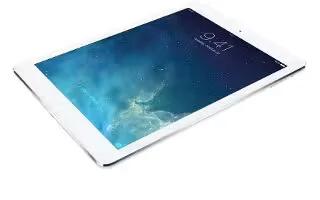
Learn how to write with your finger on your iPad Air. Enter handwriting mode, enter a character, Use the rotor to select Handwriting.
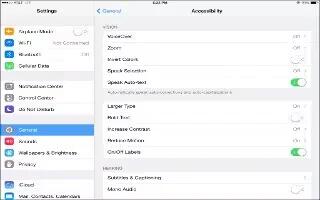
Learn how to use Zoom on your iPad Air. It let you zoom in or out on specific items. you can double-tap to expand webpage column in Safari.
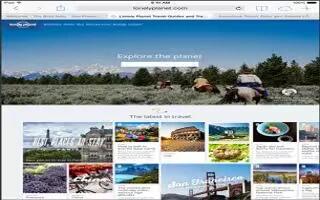
Learn how to use voiceover with safari on your iPad Air. Search the web and skip to the next page element of a particular type.
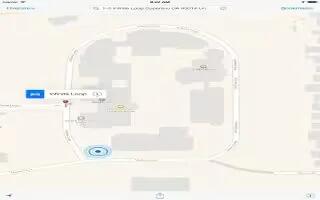
Learn how to use voiceover with maps on your iPad Air. You can zoom in or out, select a pin and get information about a location.







