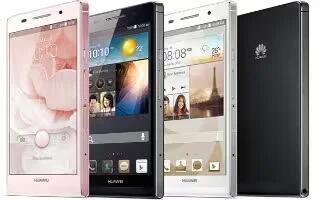
How To Make Calls – Huawei Ascend P6
Learn how to make calls on your Huawei Ascend P6. Smart dialing lets you quickly find contacts by entering parts of their names or numbers.
Apple, Gadgets, Android, Microsoft
Learn how to make calls on your Huawei Ascend P6. Smart dialing lets you quickly find contacts by entering parts of their names or numbers.
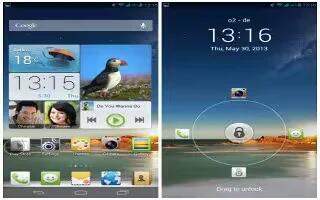
Learn how to import contacts on your Huawei Ascend P6. Your phone supports contact files in. vcf format only.
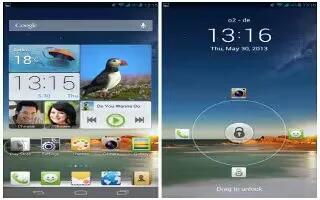
Learn how to export contacts on your Huawei Ascend P6. Back up your contacts to an external storage device to avoid losing them.
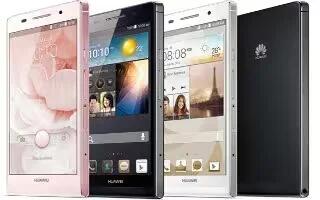
Learn how to use data usage on your Huawei Asceng P6. Your phone’s data usage control function lets you check and control your data usage.
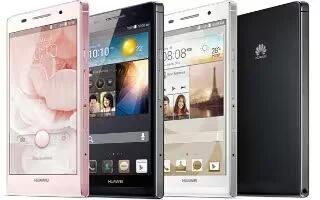
Learn how to create email account on your Huawei Ascend P6. Certain parameters must be set when you add a POP3 or IMAP email account.
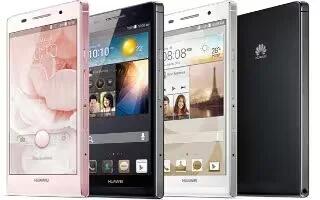
Learn how to clear browser history on your Huawei Ascend P6. To better protect your privacy, clear your browsing history from time to time.

Learn how to check emails on your Huawei Ascend P6. Email retrieval may be slightly delayed, depending on the network condition.

Learn how to customize contacts on your Hauwei Ascend P6. You can now easily store and manage your contacts. Add, delete and merge.
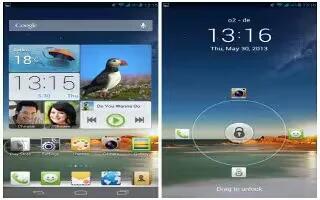
Learn how to use contacts on your Huawei Ascend P6. Forget about lugging around business card holders. You can now easily store.

Learn how to connect to Pc On your Huawei Ascend P6. When you connect your phone to a computer using a USB cable.

Learn how to insert micro SDCard on your Huawei Ascend P6. You can expand your phone’s storage capacity with a microSD card.
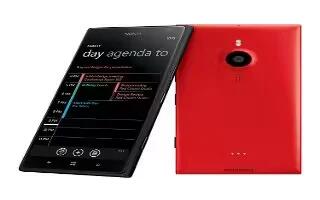
Learn how to use voice to write mail on your Nokia Lumia 1520. Instead of using the keyboard, you can dictate your mail.
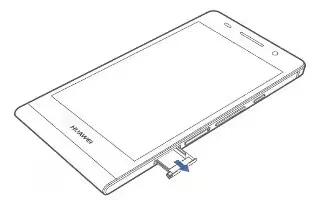
Learn how to Insert SIM Card on your Huwei Ascend P6. Your phone supports only micro-SIM cards. Other sizes may not work properly.

Learn how to unlink unified inboxes on Nokia Lumia 1520. If you want to view your mailboxes individually, using only one mail account.

Learn how to use theme settings on your Nokia Lumia 1520. You can change the display colors to match your taste and mood.

Learn how to use sky drive on Nokia Lumia 1520. Store stuff in clouds. You don’t worry about freeing memory for your favorites or new apps.









