
How To Use Video Camera Settings – Nokia Lumia 928
Learn how to use Video Camera Settings on your Nokia Lumia 928. You can adjust white balance, continuous focus, Video model etc.
Apple, Gadgets, Android, Microsoft
Learn how to use Video Camera Settings on your Nokia Lumia 928. You can adjust white balance, continuous focus, Video model etc.
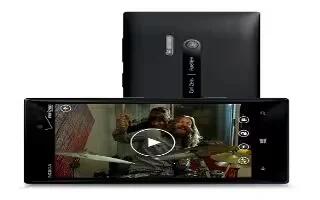
Learn how to use video camera on Nokia Lumia 928. Besides taking photos with your phone, you can also capture special moments as videos.
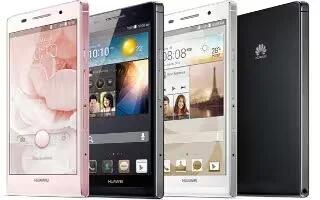
Learn how to use widgets on your Huawei Ascend P6. phone will automatically create a new home screen to the original’s right.

Learn how to use photos app on Nokia Lumia 928. The photos you have taken or videos you recorded with phone are saved to the Photos hub.
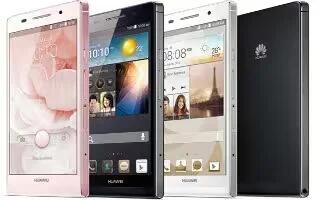
Learn how to use gestures on your Huawel Ascend P6. you can flick left or right across the notification panel to dismiss a notification.
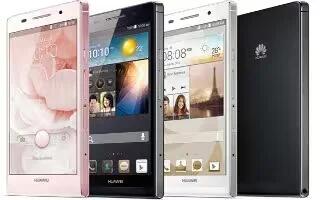
Learn how to take screenshot on your Huawei Ascend P6. To share an interesting scene in a movie or show off your new high score in a game.
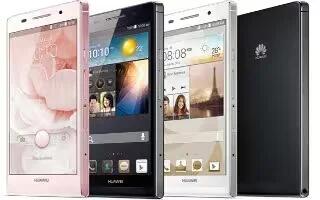
Learn how to setup on your Huawei Ascend P6. If errors occur and you cannot power off your phone, press and hold Power key for 10 seconds.

Learn how to use lock and unlock screen on Nokia Lumia 928. To avoid accidentally making a call when your phone is in your pocket or bag.
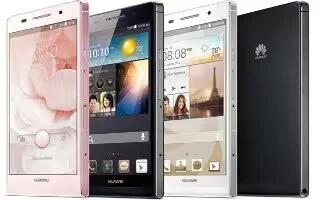
Learn how to manage profiles on your Huawei Ascend P6. You can also flick down from the status bar to open the notification panel.

Learn how to use link contacts on Nokia Lumia 928. Do you have contact information for same person from different social network services.
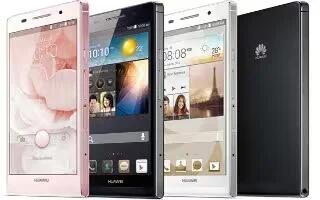
Learn how to lock and unlock screen on your Huawei Ascend P6. It not only prevents your phone from carrying out undesirable operations.
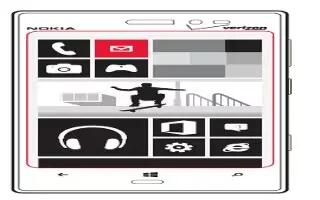
Learn how to use Email on your Nokia Lumia 928. You can use your phone to write and send email, and attach files to your email.
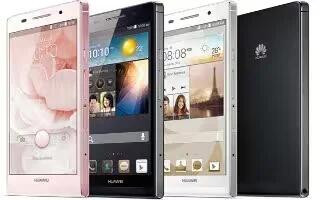
Learn how to enter text on your Huawei Ascend P6.It comes with multiple text input methods and enter text using the onscreen keyboard.

Learn how to use contact group on Nokia Lumia 928. When you created contact groups, you can send a message several people at same time.
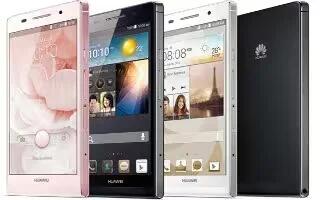
Learn how to edit text on your Huawei Ascend P6. You can use edit text for select, cut, copy, and paste text on your phone.
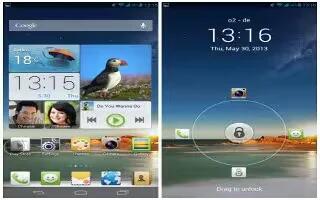
Learn how to switch shortcuts on you Huawei Ascend P6. You can rearrange your shortcuts and move those you use most to top the list.
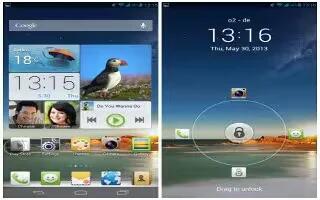
Learn how to customize Me widget on your Huawei Ascend P6. It is a collage of popular widget units that is displayed on your home screen.

Learn how to use camera tips on your Nokia Lumia 928. Here are some tips to help you get the most out of your phone camera.







