
How To Refresh Apps – HTC One Max
Learn how to refresh apps on your HTC One Max. In some apps, you can easily refresh content that’s synced or downloaded from the Web.
Apple, Gadgets, Android, Microsoft
Learn how to refresh apps on your HTC One Max. In some apps, you can easily refresh content that’s synced or downloaded from the Web.
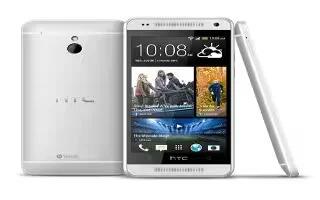
Learn how to post to social networks on your HTC One Mini. You can easily post a status update from the homescreen.

Learn how to post to social networks on your HTC One Max. You can easily post a status update from the homescreen.
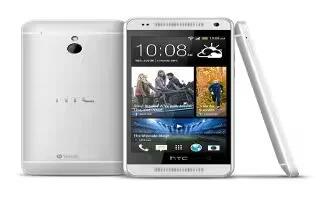
Learn how to use Widget on your HTC One Mini. Widgets make at-a-glance important information and media content easily available.
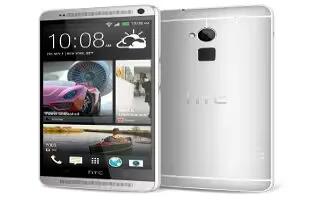
Learn how to use Widgets on your HTC One Max. Widgets make at-a-glance important information and media content easily available.
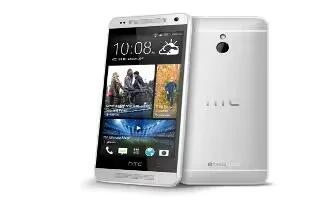
Learn how to use photos in social networks on your HTC One Mini. Right in the Gallery app, check what you and your friends have uploaded.
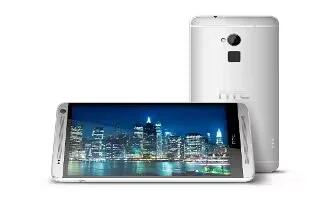
Learn how to use photos in social networks on your HTC One Max. Right in the Gallery app, check what you and your friends have uploaded.
Learn how to edit video highlights on your HTC One Mini. You can change the highlights, theme, and music, and also save or share.
Learn how to edit video highlights on your HTC One Max. You can change the highlights, theme, and music, and also save or share.
Learn how to use photo highlights on your HTC One Mini, Gallery automatically groups all your most viewed or shared photos in one album.
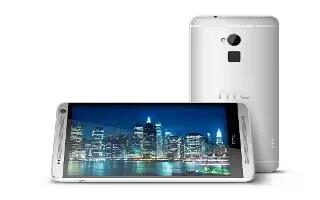
Learn how to use photo highlights on your HTC One Max. Gallery automatically groups all your most viewed or shared photos in one album.
Learn how to use gallery on your HTC One Mini. View them by album, event, or location. You can also trim videos, add frames and effects.
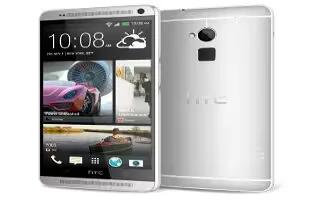
Learn how to use gallery on your HTC One Max. View them by album, event, or location. You can also trim videos, add frames and effects.
Learn how to use photos and videos on your HTC One Mini. To move or copy a single photo or video, open an album and then press and hold.
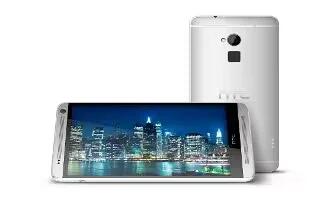
Learn how to use photos and videos on your HTC One Max. To move or copy a single photo or video, open an album and then press and hold.
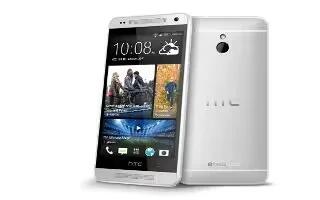
Learn how to edit photos on your HTC One Mini. Gallery has an array of editing tools that let you crop, rotate, apply and photo effects.
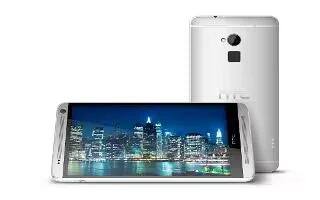
Learn how to edit photos on your HTC One Max. Gallery has an array of editing tools that let you crop, rotate, apply and photo effects.

Learn how to use data roaming cost on your Nokia Lumia 2520. Data roaming means using your tablet to receive data over network.







