
Author: Amarnath Natarajan
-
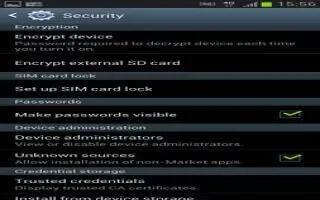
How To Use Device Administration On Samsung Galaxy Note 2
Learn how to use device administration on your Samsung Galaxy Note 2. Activating this feature allows Google to administrate your phone in a way
-
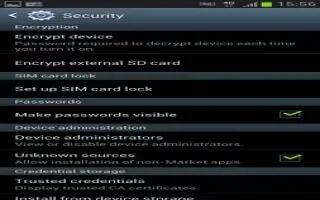
How To Set Up SIM Card Lock On Samsung Galaxy Note 2
You can use SIM card Lock to protect Samsung Galaxy Note 2. Prevent another user using your SIM card to make unauthorized calls or from accessing
-
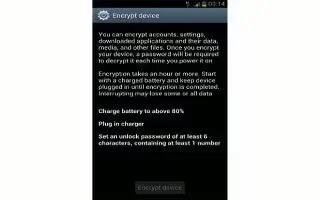
How To Encrypt Your Samsung Galaxy Note 2
You can secure your Samsung Galaxy Note 2 by encrypting. When enabled, this feature requires numeric PIN or password to decrypt your phone each time
-
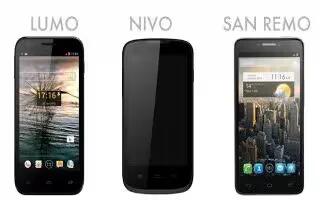
Oranges Smartphones Includes Its First 4G Device
Orange Europe launching a trio of smartphones running Jelly Bean that are destined for the continent. Lumo is the companys first 4G smartphone,
-
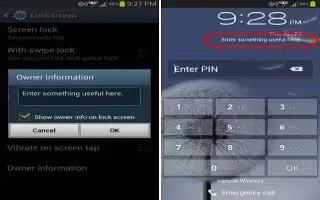
How To View Owner Information On Samsung Galaxy Note 2
This option allows you to show user-defined information on the Lock screen on your Samsung Galaxy Note 2. From the Home screen, press Menu key
-
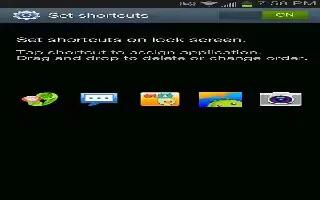
How To Customize Lock Screen Shortcuts On Samsung Galaxy Note 2
Your Samsung Galaxy Note 2 also provides up to 4 application shortcuts that can be used to quickly access an application right from the lock screen.
-
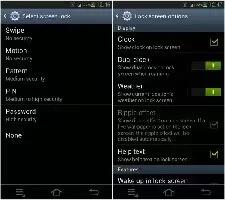
Samsung Unlock Options On Samsung Galaxy Note 2
Learn how to activate or deactivates various Unlock screen functions on Samsung Galaxy Note 2. When the Popup Note on lock screen option is enabled
-

Ubuntu On Tablets
Canonical today is unveils Ubuntu for tablets, a touch-based interface supporting screen sizes of anywhere from 6-inches to 20-inches, and use cases targeting both businesses and the home. Android and iOS have already demonstrated that the same OS can work on both form factors. But the story is a little more interesting when you consider…
-
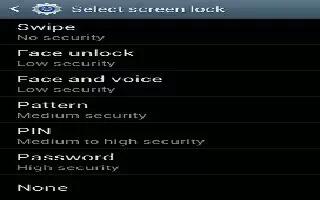
How To Use Password Lock On Samsung Galaxy Note 2
You can use Password Lock and Unlock as a lock screen option on Samsung Galaxy Note 2. Enter a password using the keypad and tap Continue to confirm
-
How To Use PIN Lock On Samsung Galaxy Note 2
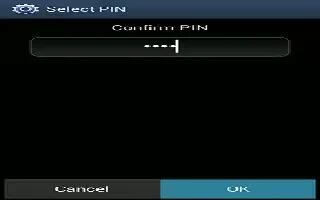
You can use PIN Lock and Unlock to as an lock screen option on Samsung Galaxy Note 2. Enter a PIN number using the numeric keypad and touch Continue
-

Forgot Pattern On Samsung Galaxy Note 2
If you forget your device’s lock pattern, you can unlock your Samsung Galaxy Note 2 or reset it using your Google Account credentials.
-
How To Use Lock Screen On Samsung Galaxy Note 2
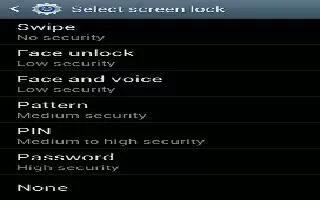
This menu contains features that allows you to configure the Samsung Galaxy Note 2 lock screen parameters. To secure data and limit phone access,
-
How To Use Location Services On Samsung Galaxy Note 2
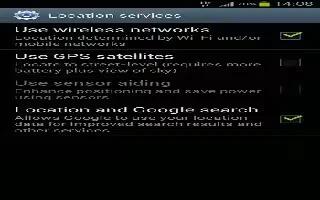
The Location services allows you to configure the Samsung Galaxy Note 2 location services. The more location determining functions are enabled
-
How To Use Application Manager On Samsung Galaxy Note 2
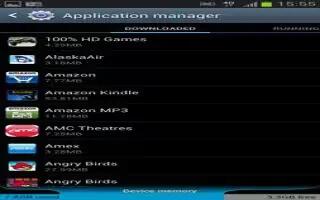
Learn how to use Application Manager on Samsung Galaxy Note 2. You can write applications in the SDK and install them on this device, then run
-

LGs 5.5 Inch Optimus G Pro Is First Full HD Smartphone
LGs 5.5-inch Optimus G Pro is the first full HD smartphone, launching this week in Korea. Last week we said the leak in Facebook page
-
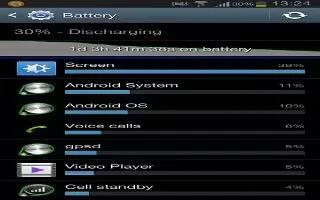
How To Use Battery Usage On Samsung Galaxy Note 2
This option allows you to view a list of those components using battery power on Samsung Galaxy Note 2. The amount of time the battery also displays.
-
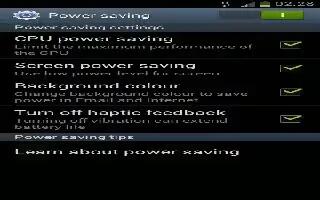
How To Use Power Saving Mode On Samsung Galaxy Note 2
This feature allows you both automatically set the Samsung Galaxy Note 2 to use a power saving mode and configure additional power saving options
-
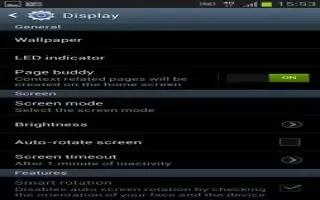
How To Use Display Settings On Samsung Galaxy Note 2
You can change various settings for the display on Samsung Galaxy Note 2 such as the font, orientation, pop-up notifications, puzzle lock feature


