How To Use Gallery – LG G Flex
Learn how to use gallery on your LG G FLex. You can store multimedia files to internal memory to have easy access to all your image and video files.
Apple, Gadgets, Android, Microsoft
Learn how to use gallery on your LG G FLex. You can store multimedia files to internal memory to have easy access to all your image and video files.
Learn how to customize video camera settings on your LG G Flex. Using the viewfinder, tap Settings icon to open the advanced options.
Learn how to use video camera on your LG G Flex. To open the Video Camera application, tap Camera on the Home screen and slide down.
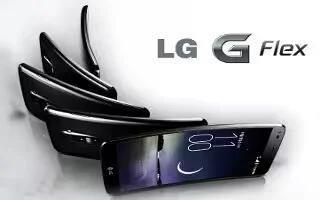
Learn how to customize camera settings on your LG G Flex. The Multi Point AF enables you to get a clearer and natural picture.
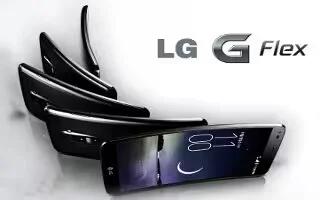
Learn how to use camera on your LG G Flex. The Multi Point Autofocus feature enables you to get a clearer and natural picture.
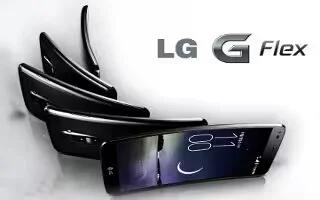
Learn how to use life square on your LG G Flex. The Life Square app allows you to collect and save call logs, messages, photos, videos, voice and etc.
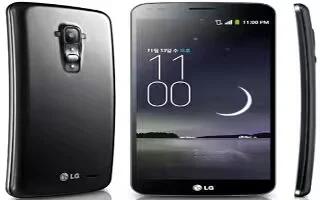
Learn how to add accounts on your LG G Flex. With your phone, you can enjoy social networking and manage your micro-blog in on-line communities.
Learn how to use Email accounts on your LG G Flex. You can use the Email application to read email from providers other than Gmail.
Learn how to use Email on your LG G Flex. You can use the Email application to read email from providers other than Gmail.
Learn how to join contacts on your LG G Flex. When you have two or more entries for the same contact, you can join them into a single entry.
Learn how to use favorite contacts on your LG G Flex. You can add contacts on phone and synchronize them with the contacts in your Google Account.
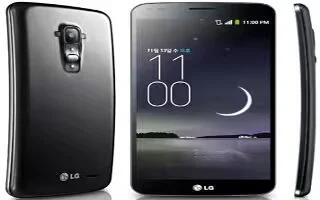
Learn how to use contacts on your LG G Flex. You can add contacts on your phone and synchronize them with the contacts in your Google Account.
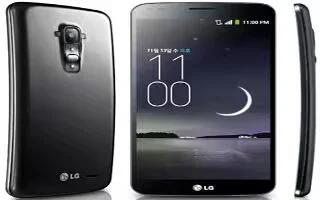
Learn how to make calls on your LG G Flex. There are limitations to this though the internal speaker and rubbish bundled headphones.
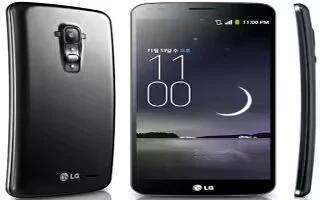
Learn how to create Google account on your LG G Flex. The first time you open a Google application on your phone, you will be required to sign in.
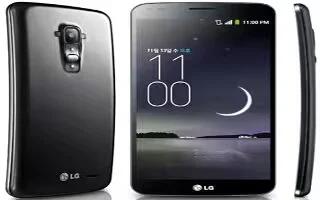
Learn how to use plug and Pop on your LG G Flex. Plug & Pop allows you quickly choose apps to use when plugging in an earphone or On-the-Go device.
Learn how to use on-screen keyboard on your LG G Flex. You can enter text using the on-screen keyboard and to manually display the keyboard.
Learn how to use notifications on your LG G Flex. Alert you to the arrival of new messages, calendar events, and alarms etc.