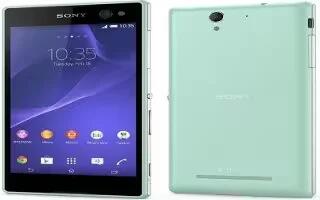
How To Control Data Usage – Sony Xperia C3 Dual
Learn how to control data usage on your Sony Xperia C3 Dual. You can keep track of the amount of data transferred to and from your device over your mobile data.
Apple, Gadgets, Android, Microsoft
Learn how to control data usage on your Sony Xperia C3 Dual. You can keep track of the amount of data transferred to and from your device over your mobile data.
Learn how to use WiFi Settings on your Sony Xperia C3 Dual. When you are connected to a Wi-Fi network or when there are Wi-Fi networks available in your vicinity.
Learn how to use WiFi on your Sony Xperia C3 Dual. Use Wi-Fi connections to surf the Internet, download applications, or send and receive emails.
Learn how to download app from other sources on your Sony Xperia C3 Dual. When your device is set to allow downloads from sources other than Google Play.
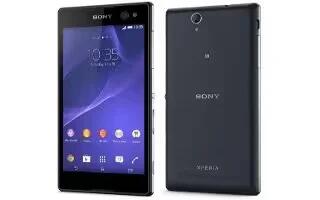
Learn how to download apps from Google play on your Sony Xperia C3 Dual. Google Play is the official online Google store for downloading applications.
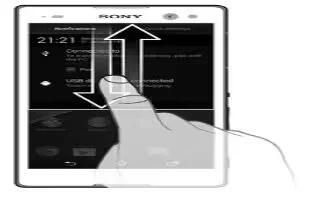
Learn how to use notifications on your Sony Xperia C3 Dual. To select which system icons to display in the status bar
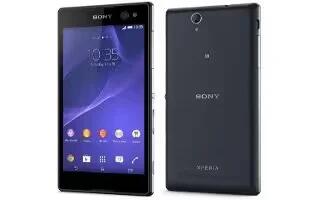
Learn how to take screenshot on your Sony Xperia C3 Dual. You can capture still images of any screen on your device as a screenshot.
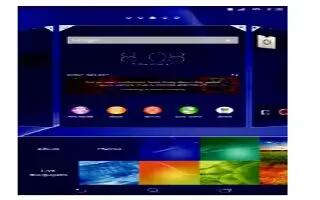
Learn how to use themes on your Sony Xperia C3 Dual. You can adapt the Home screen to your own style using wallpapers and different themes.
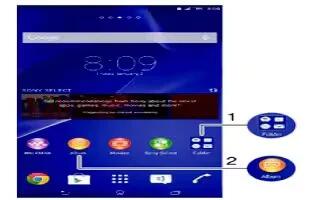
Learn how to use shortcuts on your Sony Xperia C3 Dual. Use shortcuts and folders to manage your applications and keep your Home screen tidy.
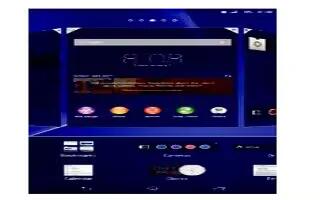
Learn how to use widgets on your Sony Xperia C3 Dual. Widgets are small applications that you can use directly on your Home screen.
Learn how to use small apps on your Sony Xperia C3 Dual. Small apps are miniature apps that run on top of other applications on the same screen.
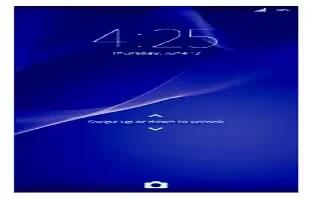
Learn how to lock and unlock on your Sony Xperia C3 Dual. When your device is on and left idle for a set period of time, the screen darkens to save battery power.
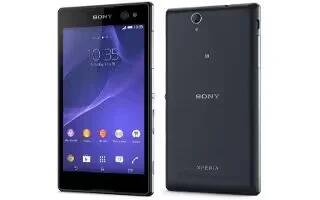
Learn how to use touch screen on your Sony Xperia C3 Dual. You can tapping, touching, holding, pinching, spreading, swiping and flicking the screen.
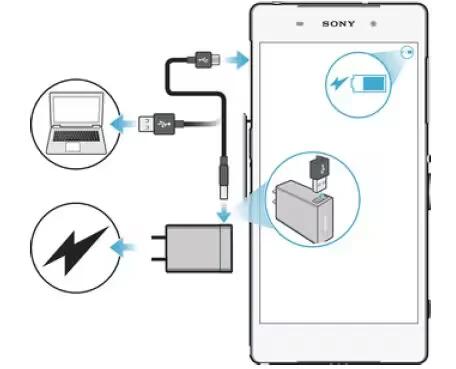
Learn how to charge on your Sony Xperia C3 Dual. The battery is partly charged when you buy the device. You can still use your device while it is charging.
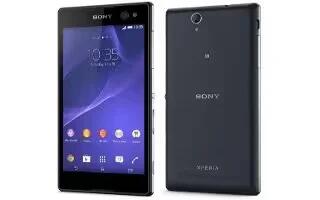
Learn how to use Google account on your Sony Xperia C3 Dual. Your Xperia device from Sony runs on the Android platform developed by Google.
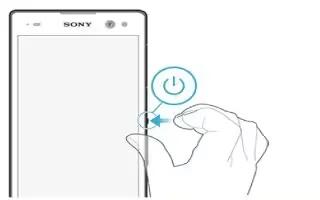
Learn how to switch on your Sony Xperia C3 Dual. The first time you start your device, a setup guide opens to help you configure basic settings, sign in to some accounts.
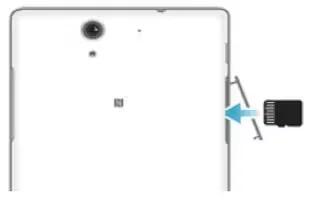
Learn how to insert memory card on your Sony Xperia C3 Dual. You can insert memory card and remove card on your device.
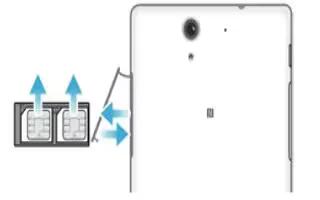
Learn how to insert SIM Card on your Sony Xperia C3 Dual. A protective plastic sheet is attached to the screen.







